


10 Education Websites to Check Out in 2023
Whether we need to tie gaps in student learning, or we need to take things to the next level, there are some great FREE teacher / EDU websites out there. We’ve hand-picked ten of our favorite, that we currently use, and are sharing them with you here!
Whether we need to tie gaps in student learning, or we need to take things to the next level, there are some great FREE teacher / EDU websites out there. We’ve hand-picked ten of our favorite, that we currently use, and are sharing them with you here!
(click on any subheading to jump to that section)



Math Learning Center
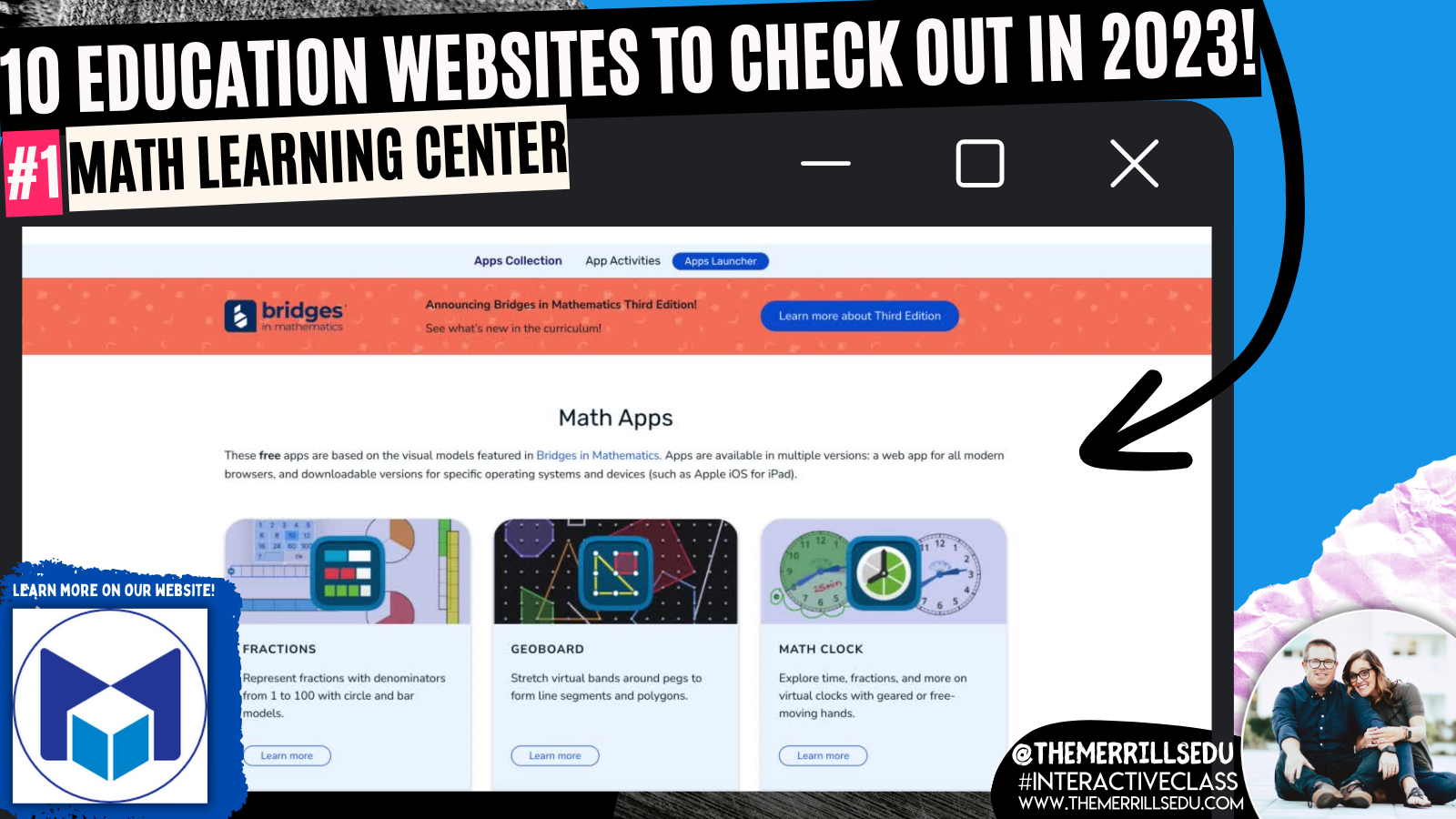
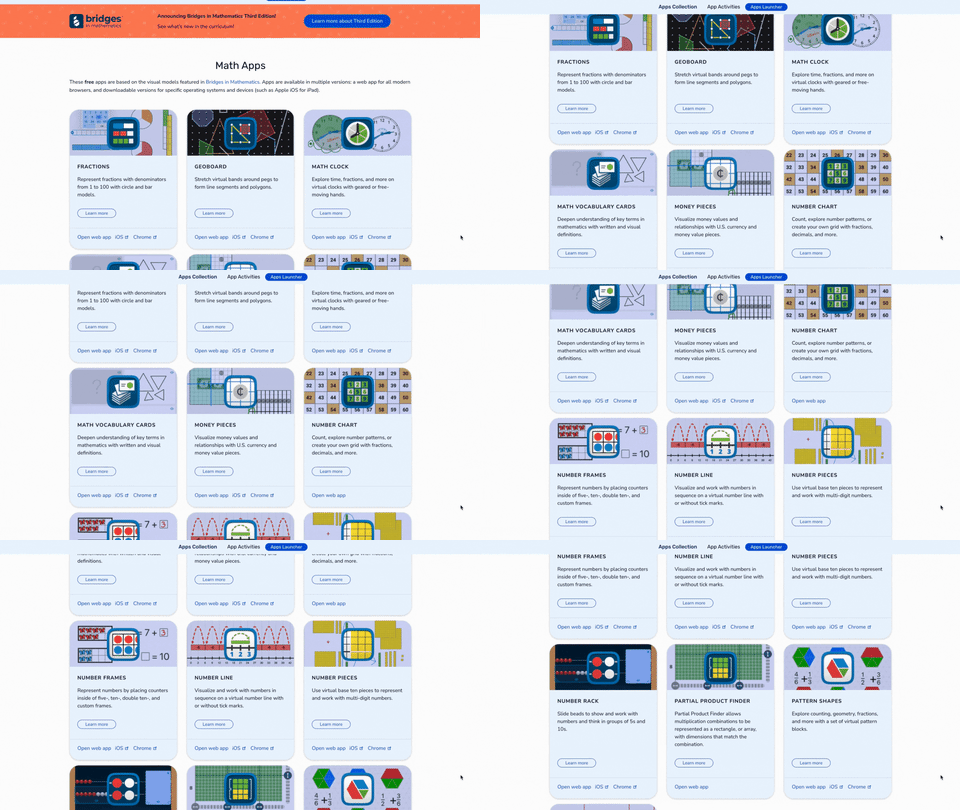
The Math Learning Center website was absolute life saver during remote learning. This website provides professional development, lesson ideas, and most important: FREE virtual manipulatives! Their apps are cross platform and will work with desktops, iPads and more. It’s a great way for your students to have access to these materials - especially since they seem so difficult to come by these days. Tip: If you have an LMS like Canvas, Teams or Google Classroom, you can hyperlink directly to the app that you’d like the kids to use. If you’re using mobile devices, you can download each app from the app store. Apps include: fractions, geoboard, clock, money pieces, number chart, number frames, number pieces, number liner, and more! Check them out by clicking the image below to learn more!

Slides Mania

Slides Mania is a site offering free creative PowerPoint templates and Google Slides themes. The entire site is operated by one fantastic human being named Paula. Paula has created TONS, and we mean TONS, of FREE resources for you. This site has it all, from educational resources, planners, formal presentations and so much more. You’re going to want to take some time here, as there are SO MANY goodies. Paula even has educational bundles, games, certificates, and more. Click the image above to learn more and visit the site!

Flocabulary
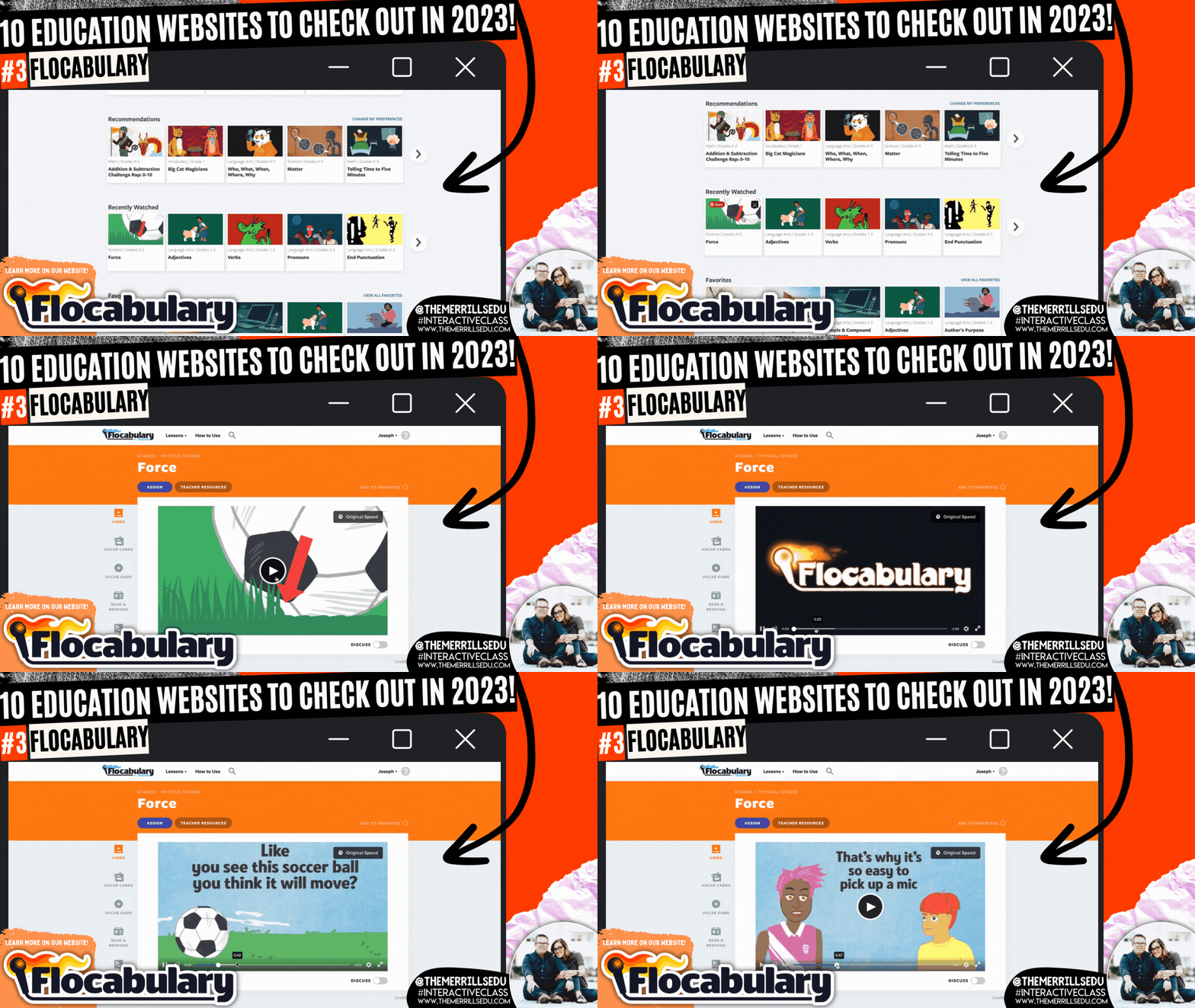
The Bright Horizons website explains that music ignites all areas of child development and skills for school readiness, including intellectual, social-emotional, motor, language, and overall literacy. It helps the body and the mind work together. Exposing children to music during early development helps them learn the sounds and meanings of words. Dancing to music helps children build motor skills while allowing them to practice self-expression. For children and adults, music helps strengthen memory skills. Enter Flocabulary. This website takes all of the topics that you would normally teach throughout the day, but then turns them into catchy tunes that will have your students reciting the words throughout your unit. Level it up with a built in activity where students can use beats from Flocabulary to with their own rap. Pair this with Microsoft Flip for a truly interACTIVE lesson! Click the image above or to the right to learn more about Flocabulary!

Would You Rather Math

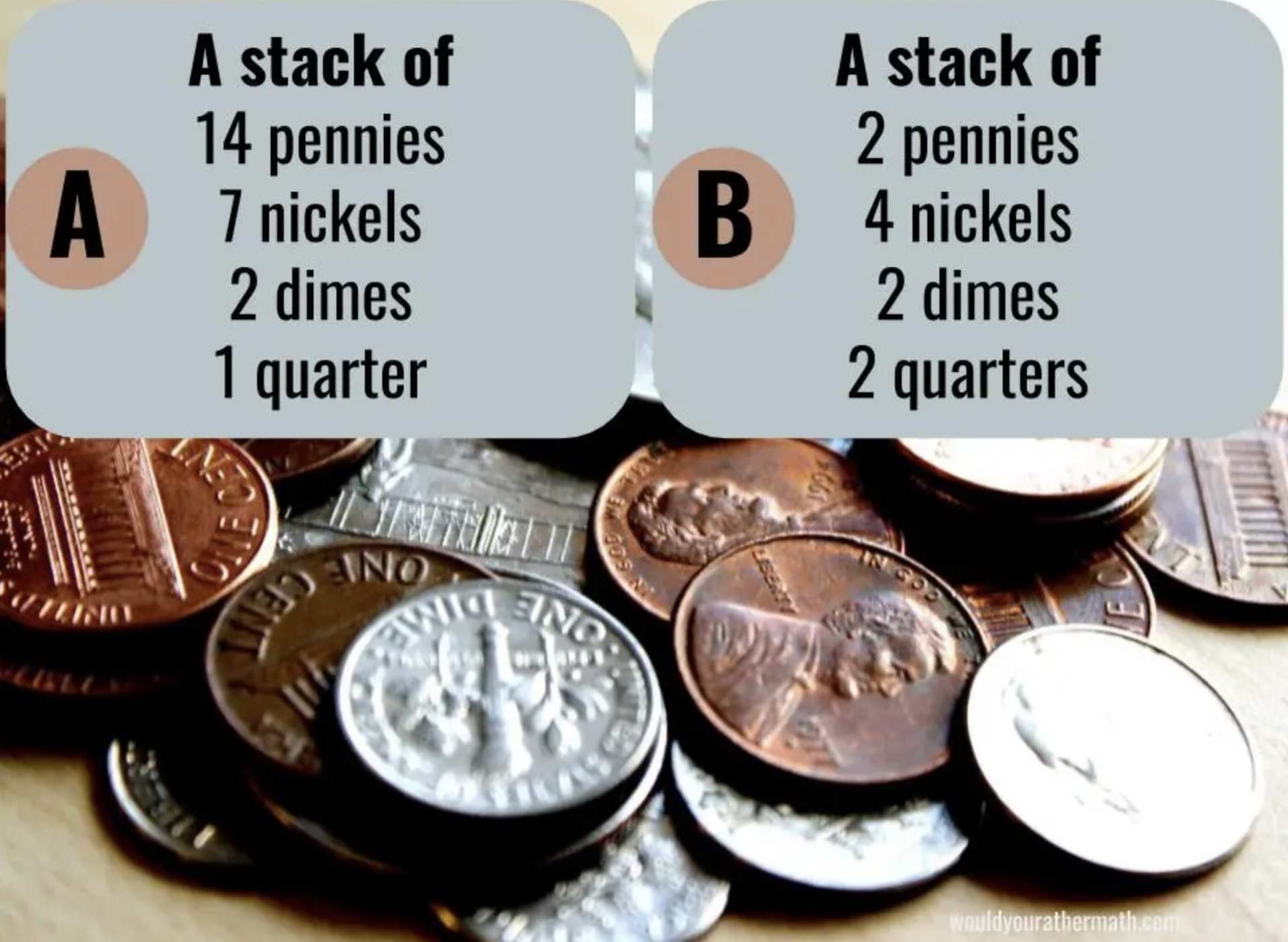
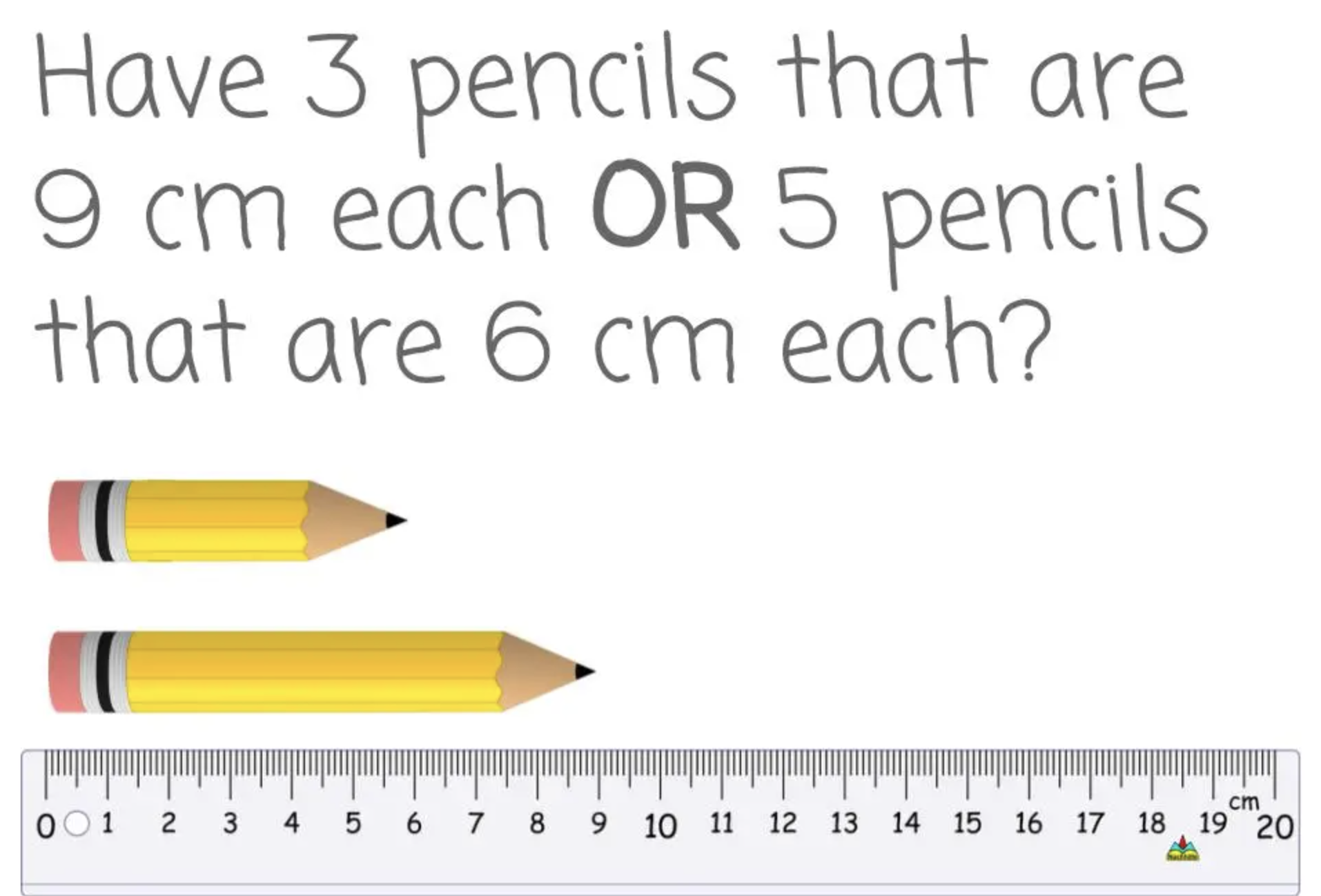
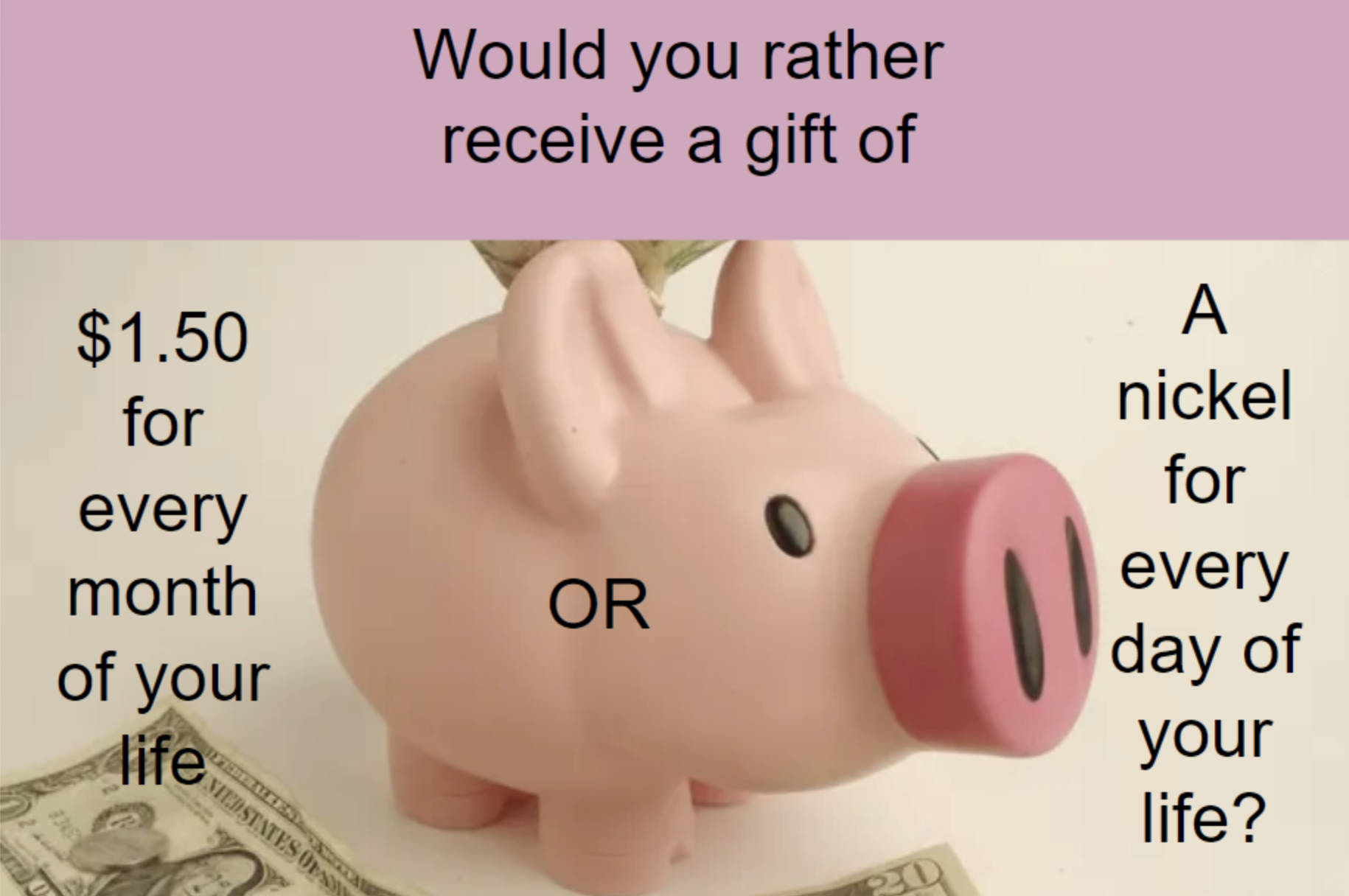
Would You Rather Math (brought to us by John Stevens) is an incredibly resourceful website that differentiates itself by grade levels: K-2, 3rd-5th, 6th-8th, and 9th-12th. Each group features grade level appropriate content that educators can use to launch their math lessons. These prompts promote higher level thinking, requiring your learners to stop and process what is being asked before jumping to a conclusion. It’s a great way to get your students ready for the learning goal of the day. Check out some examples below and click the image to the right to visit Would You Rather Math!

Wonderopolis


Wonderopolis is an informational site that helps kids ask and answer interesting questions about the world. Every day, a new "Wonder of the Day" question is posted -- each designed to get kids to think, talk, and find learning moments together in everyday life. Wonderopolis is a place to find inspiration and provoke curiosity. We love using this site for enrichment or as an intro to a unit. What’s really impressive with Wonderopolis is the variety of content. Learners can find articles on everything from Space to Fortnite, to the Aztec Empire and why rainforests are important. Another important feature to include is that Wonderopolis now features Microsoft’s Immersive Reader, which means its articles can be read aloud to students. If you’re a Microsoft Flip user, you can find many different Topics in the Flip Discovery Library. Click here to check them out and click the image to the right to check out the Wonderopolis website!

Zoo Montana
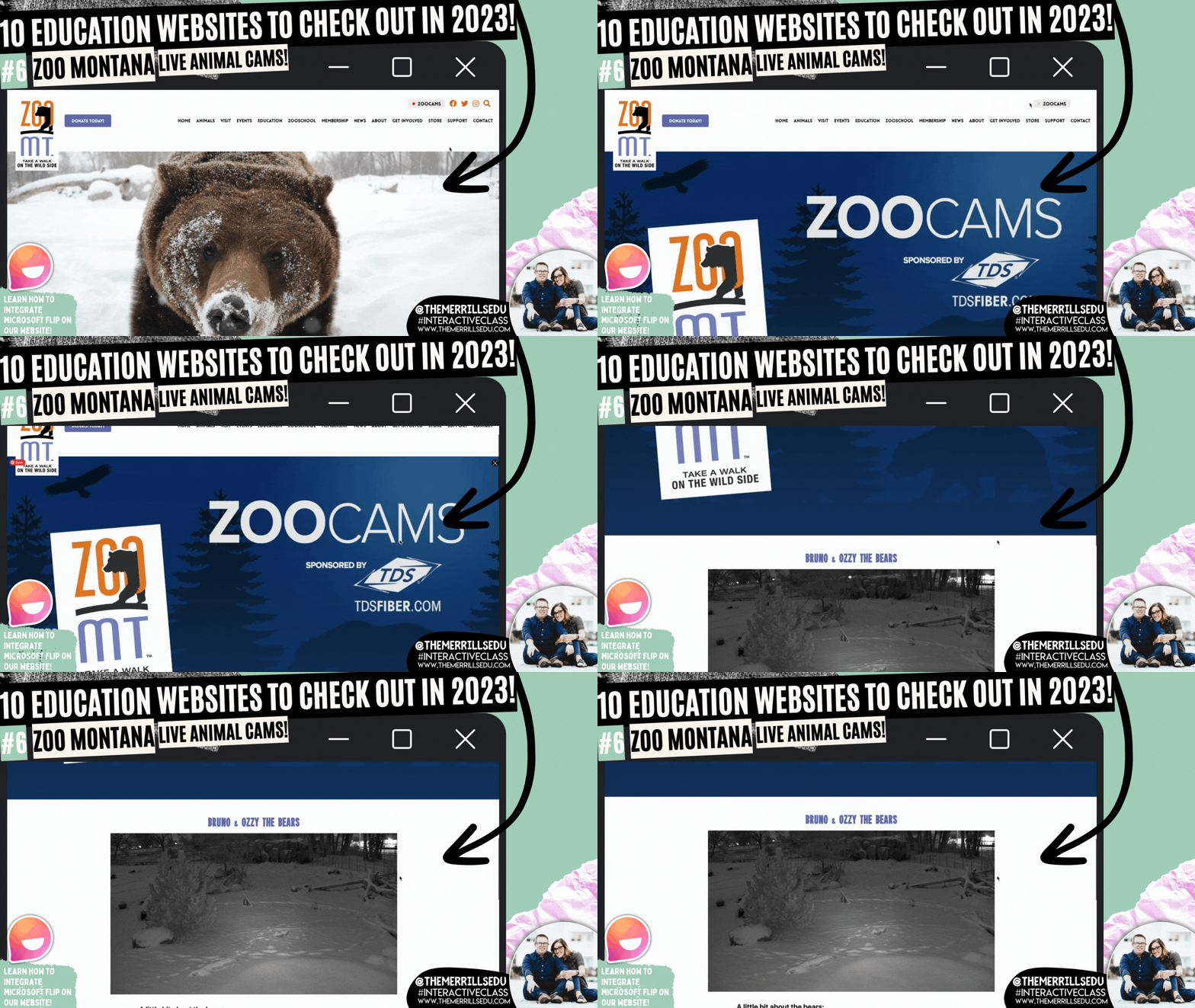
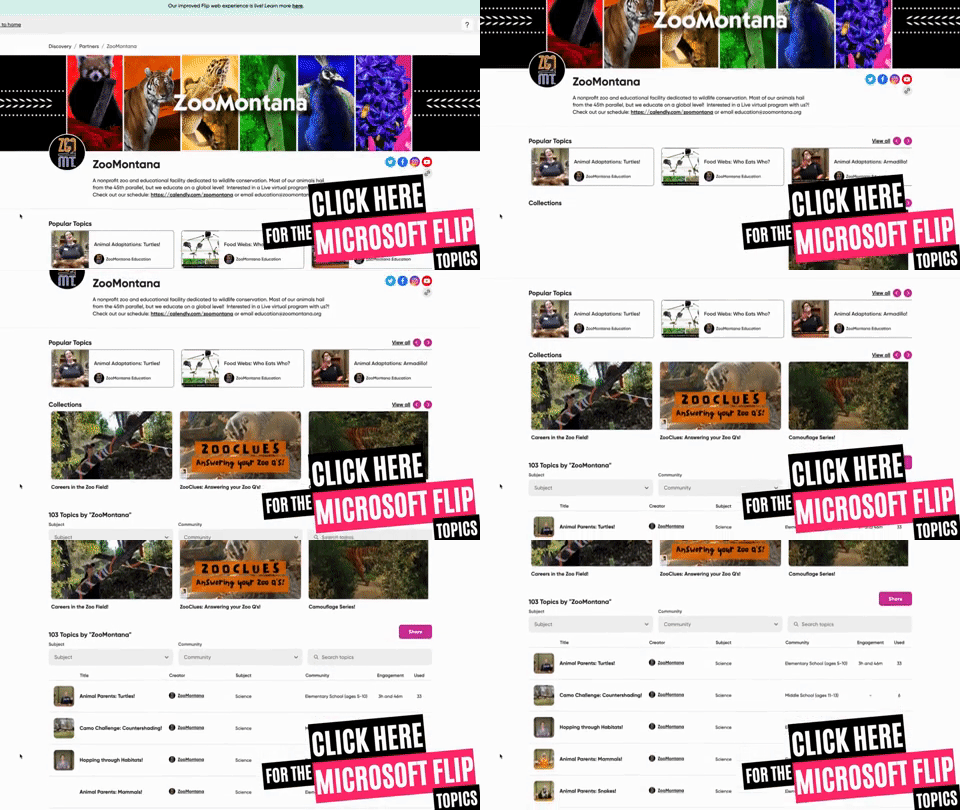
Zoo Montana is a unique zoo with special insights into some of its animals. In addition to featuring teaching resources, you can also find LIVE animal cams. These change out, but currently you can view Bruno & Ozzy the (Grizzly) Bears and Winston the Sloth. What we really love about Zoo Montana is it’s partnership with Microsoft Flip. Students can watch a video from the Zoo and then respond in a Flip video. For example, students can learn about the Red Panda by watching a video from the Zoo. Then, they can create a habitat that they feel would be suitable for the Red Panda and share it on Microsoft Flip. You can grab this Topic from the Flip Discovery Library by clicking right here, or check out the other Topics in the Flip discovery Library by clicking the image to the right!

3 Act Math (Graham Fletcher)
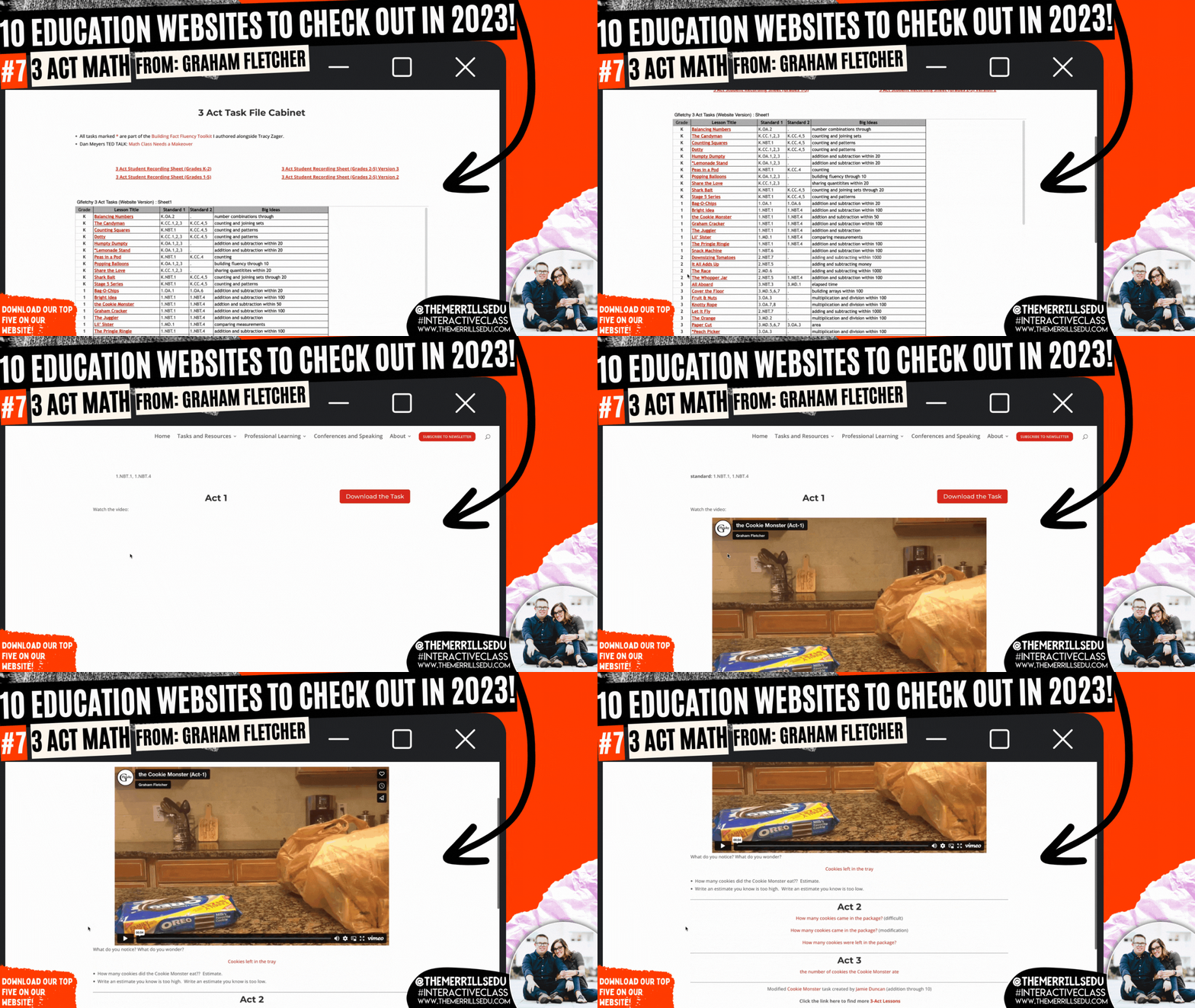
Graham Fletcher has an amazing website where he shares how to build fact fluency, progression videos (which we HIGHLY recommend), fresh ideas and 3 Act Tasks. A Three-Act Task is a whole-group mathematics task consisting of three distinct parts: an engaging and perplexing Act One, an information and solution seeking Act Two, and a solution discussion and solution revealing Act Three. Like in “Would You Rather Math,” we love using these ideas to launch our math lessons. Graham has done all of the hard work for you, creating videos targeting specific standards. Each task features a video and prompt - which can be modified and differentiated. Check out the full list of Graham’s 3 Act Math tasks by clicking on the image to the right!

Monterey Bay Aquarium

There’s a lot to love on the Monterey Bay Aquarium website. From it’s cute otters to sly sharks, to free online courses (in both English and Spanish), the Monterey Bay site has you covered! If you’re learning about anything that lives under the water, you’ll want to tie in this website. Students can log into LIVE web cams featuring 12 different species of animals. Our students’ favorite: the Shark cam which shares sharks and fish gliding through the aquarium’s exhibit. This could also be used as a calm down after returning from recess or transitioning from an exciting activity. Click the image to the right to check out the website and all of the animal cams!

Pebble Go
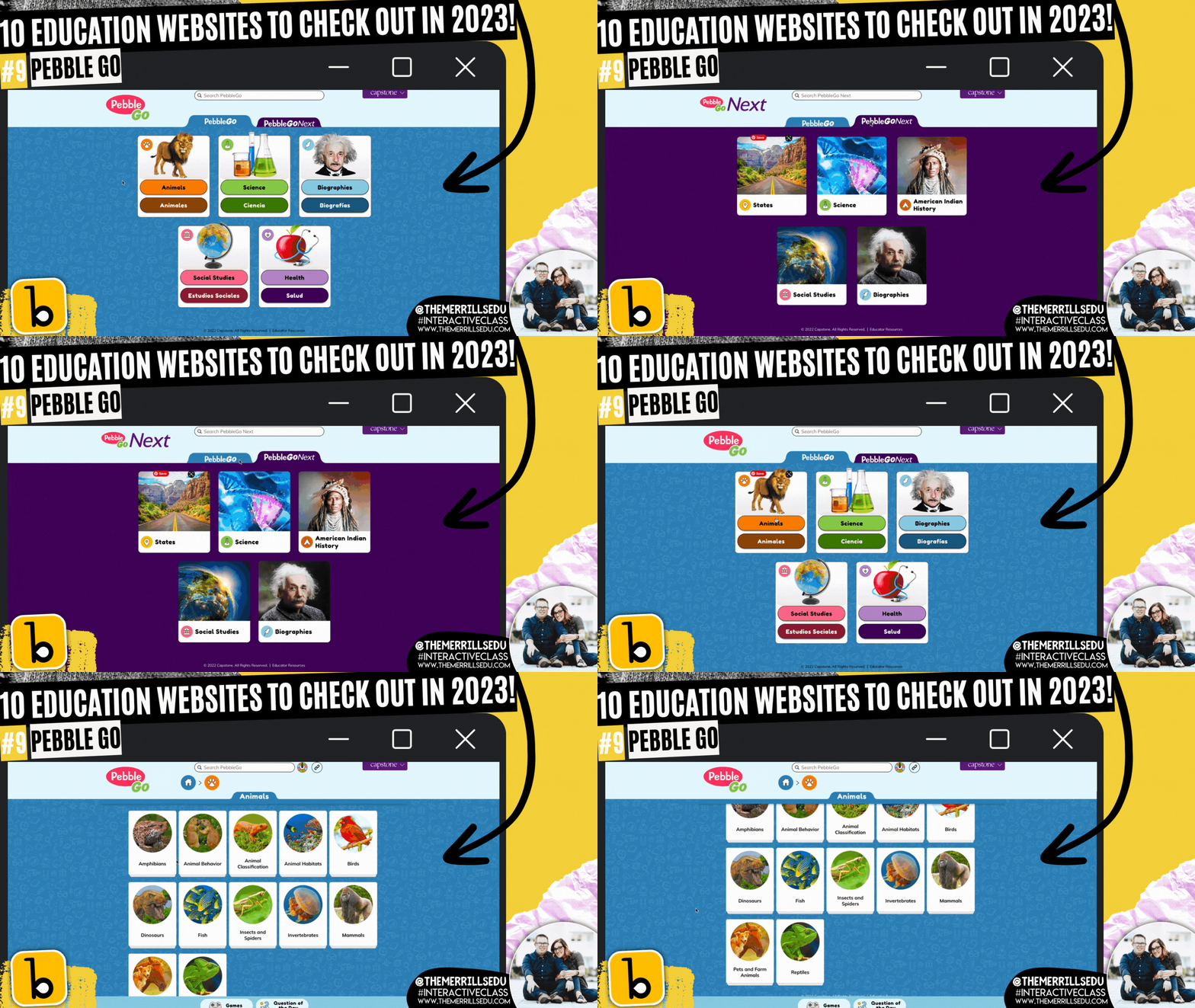
Pebble Go is hands down the best research website constructed for primary and intermediate level students. The site has tons of topics for students to learn about - all with accessibility in mind. Students can click on an article and have it read aloud. Each article is broken down into different tabs, targeting important content regarding the subject. For slightly older students, Pebble Go Next takes all of the amazingness of Pebble Go and kicks it up a notch. This version is more appropriate for 3rd-5th grades. It features topics that pertain to their interests. To level it up, pair Pebble Go with Buncee Create - the new partnership aimed at getting creative with its content. Click the image above or to the right to visit the Pebble Go website!

Epic

Epic is a teacher’s dream come true. A FREE digital library built on a collection of 40,000+ popular, high-quality books from 250+ of the world's best publishers. Books are categorized by subjects, topics, F&P levels and more. WE love that educators can create assignments and collections to assign to specific students (or groups of students). This allows for quick and easy differentiation. The community on Epic is very strong and a lot of material is shared. If you’re looking for a collection of books on the Planets, chances are someone already has created exactly what you are looking for. Just add it to your own collection and assign away! Check out some of our favorite collections below, or click the image to the right to head over to the Epic website!

-- Please follow us on social media and tag us with how you’re using these websites in your classroom! 👓👗
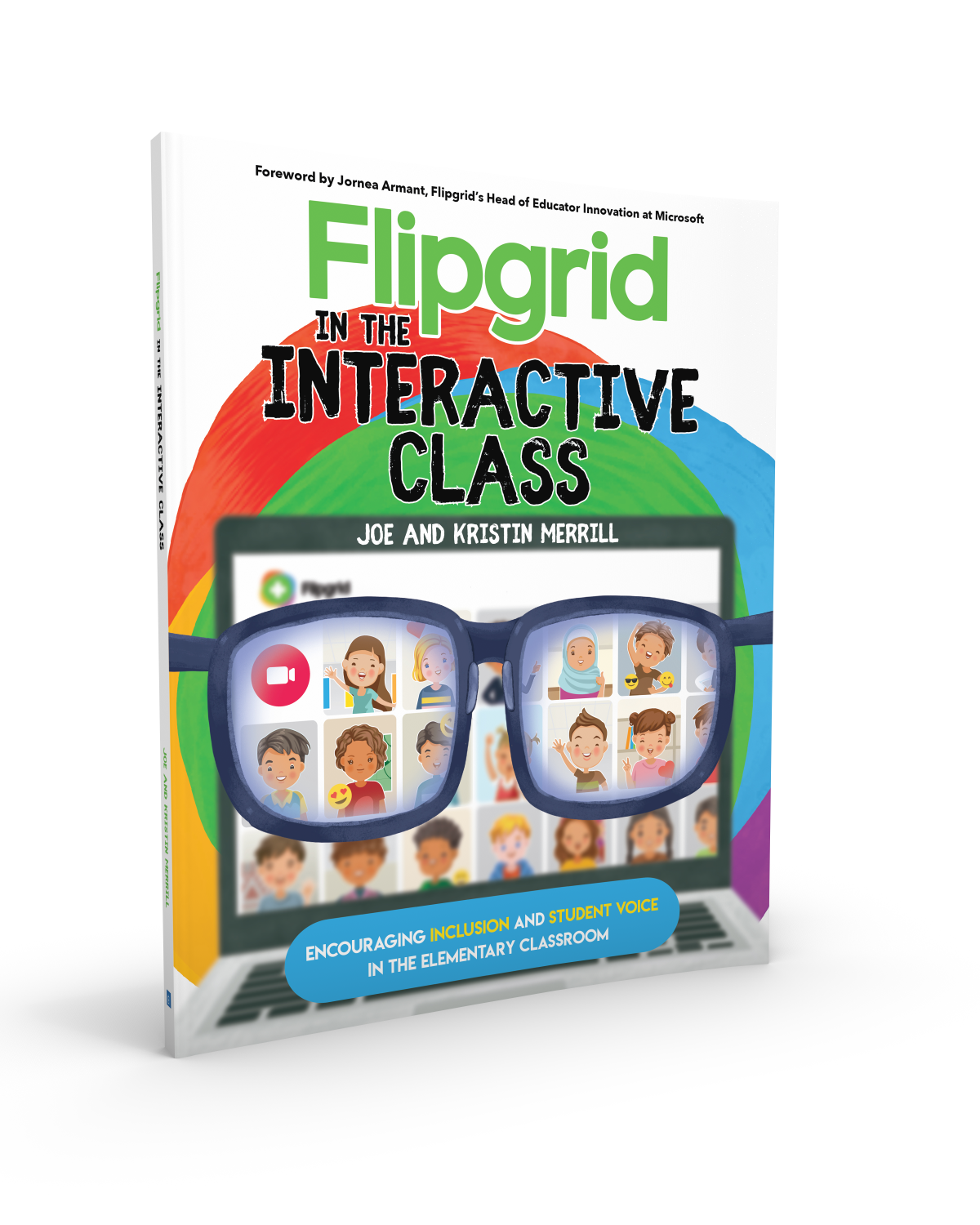
For more tips, tricks and lesson ideas for making learning more interACTIVE, check out our books The InterACTIVE Class and Flipgrid in the InterACTIVE Class on Amazon!



Using Wonderopolis for Remote Learning
Remote learning has definitely posed some. new challenges for teachers looking to finish the year virtually. One of these is the ability to monitor, differentiate and provide scaffolding for student learners. Wonderopolis is a great resource for teachers looking to provide meaningful content to students to use for learning, while also being sensitive to the various learning situations student have at home.

Remote learning has definitely posed some. new challenges for teachers looking to finish the year virtually. One of these is the ability to monitor, differentiate and provide scaffolding for student learners. Wonderopolis is a great resource for teachers looking to provide meaningful content to students to use for learning, while also being sensitive to the various learning situations student have at home.
How Can Wonderopolis Be Used in Remote Learning?
Wonderopolis is a great resource to use during remote learning because it is founded on children’s’ innate curiosity and during this time of distance learning it is more important than ever to keep our instruction and content as relevant and responsive as possible. Learning, discovery, and curiosity, as well as the concept of sharing the experience with family members, are strongly encouraged throughout the site and with students learning while at home the more involved the family can be the better.
Remote Learning Features of Wonderopolis
There are many features already built in to Wonderopolis that are very useful for teachers and students to take advantage of during remote learning. These are features that have always been a part of the Wonderopolis platform, but now with teachers having to teach the remainder of the year remotely, they are great to add to distance learning lessons.
Wonder Lengths
The articles, referred to as “wonders” remind me of the fairy tale Goldilocks and the 3 Bears—they aren’t too long, they aren’t too short—they are just right! Every Wonder is numbered making them easy to find, and they are a reasonable length for students who may be working independently.
Immersive Reader
Speaking of working independently, another feature found in every Wonder article is Microsoft’s Immersive Reader. Immersive Reader is an embedded tool that will benefit students in two ways. First, it will read aloud all the text found on the page. This is great for primary students who may be more accustomed to having text read aloud to them, benefits students who may be doing more of their work independently without adult help available, and for students who may read below the reading level of the selected text. The second benefit of Immersive Reader is its ability to translate the text on the page. Students can choose over 50+ different languages to have the Wonder article translated to. This can be a great advantage for our learners of other languages.
Vocabulary Assistance
When reading through the Wonder article, students will find various words highlighted. These are words pre-identified as words the readers may not know, and when you hover over them, a short kid-friendly definition will pop up. Wonderopolis doesn’t offer Wonder articles in various reading levels, so a feature like this, paired with Immersive Reader, helps students who may be reading at a lower level than that of the Wonder article.
Try it Out
At the end of each Wonder article is the Try It Out section. This is a great resources for teachers and often lists various activities or projects to try related to the Wonder. These suggestions range from discussion questions, STEM activities, creative writing prompts and much more!
Flipgrid Partnership
In addition to all the features Wonderopolis offers on its website, it has an amazing partnership with Flipgrid. Wonderopolis is one of the many featured partners that can be found in the Disco Library. The Flipgrid Disco Library is full of already made Flipgrid topics that educators can take and use right away with their students.

Simply click on the Wonderopolis icon and search through the already created Flipgrid topics. Students will be able to read the article on Wonderopolis and then participate in a class discussion with one another on Flipgrid.


