


10 Education Websites to Check Out in 2023
Whether we need to tie gaps in student learning, or we need to take things to the next level, there are some great FREE teacher / EDU websites out there. We’ve hand-picked ten of our favorite, that we currently use, and are sharing them with you here!
Whether we need to tie gaps in student learning, or we need to take things to the next level, there are some great FREE teacher / EDU websites out there. We’ve hand-picked ten of our favorite, that we currently use, and are sharing them with you here!
(click on any subheading to jump to that section)



Math Learning Center
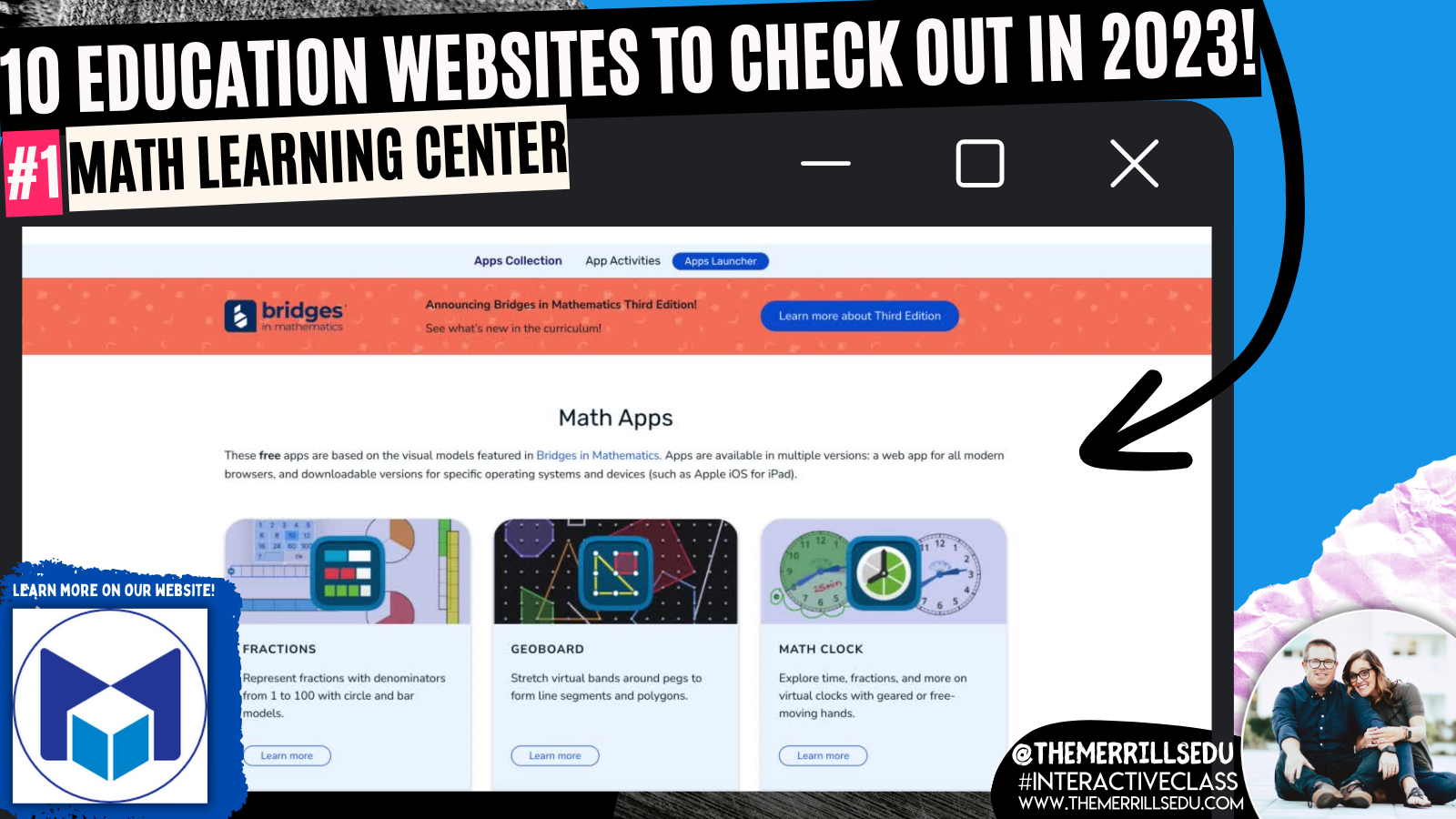
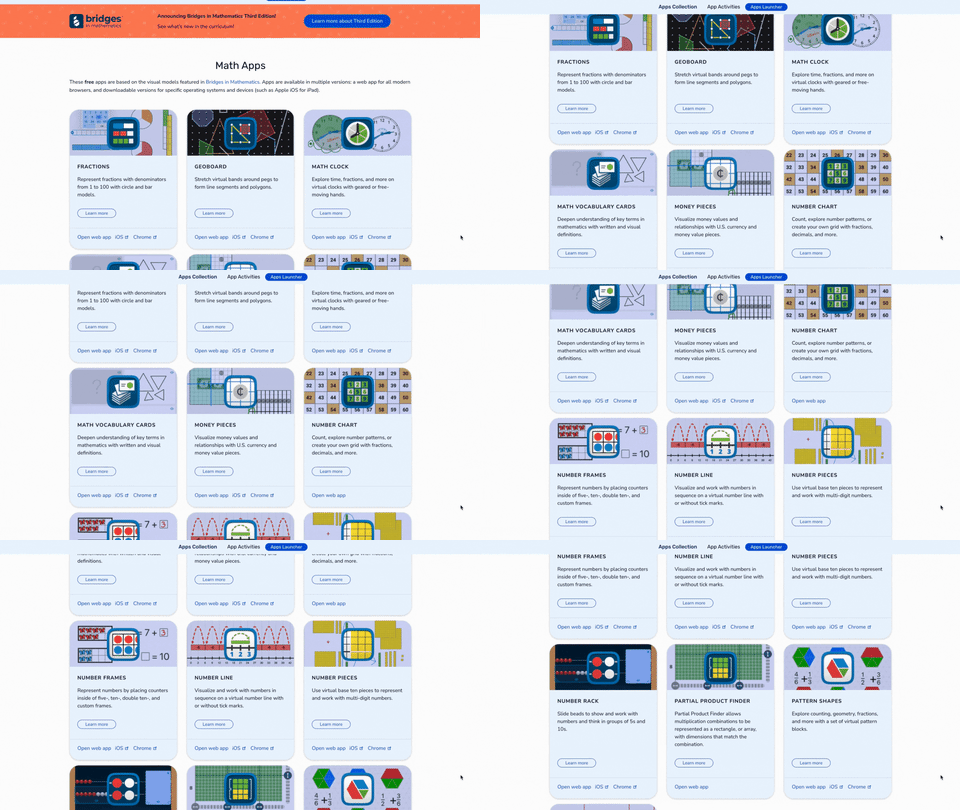
The Math Learning Center website was absolute life saver during remote learning. This website provides professional development, lesson ideas, and most important: FREE virtual manipulatives! Their apps are cross platform and will work with desktops, iPads and more. It’s a great way for your students to have access to these materials - especially since they seem so difficult to come by these days. Tip: If you have an LMS like Canvas, Teams or Google Classroom, you can hyperlink directly to the app that you’d like the kids to use. If you’re using mobile devices, you can download each app from the app store. Apps include: fractions, geoboard, clock, money pieces, number chart, number frames, number pieces, number liner, and more! Check them out by clicking the image below to learn more!

Slides Mania

Slides Mania is a site offering free creative PowerPoint templates and Google Slides themes. The entire site is operated by one fantastic human being named Paula. Paula has created TONS, and we mean TONS, of FREE resources for you. This site has it all, from educational resources, planners, formal presentations and so much more. You’re going to want to take some time here, as there are SO MANY goodies. Paula even has educational bundles, games, certificates, and more. Click the image above to learn more and visit the site!

Flocabulary
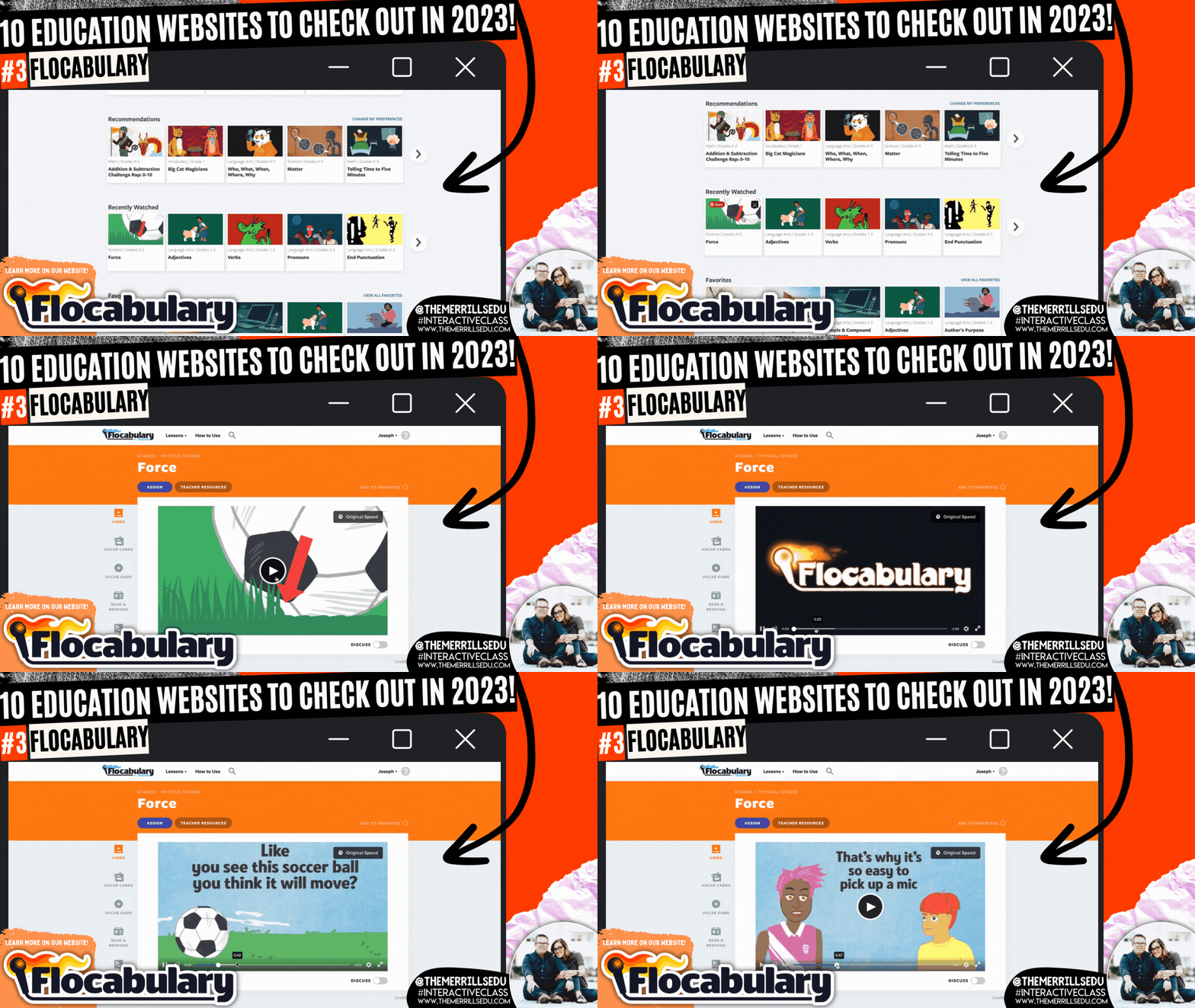
The Bright Horizons website explains that music ignites all areas of child development and skills for school readiness, including intellectual, social-emotional, motor, language, and overall literacy. It helps the body and the mind work together. Exposing children to music during early development helps them learn the sounds and meanings of words. Dancing to music helps children build motor skills while allowing them to practice self-expression. For children and adults, music helps strengthen memory skills. Enter Flocabulary. This website takes all of the topics that you would normally teach throughout the day, but then turns them into catchy tunes that will have your students reciting the words throughout your unit. Level it up with a built in activity where students can use beats from Flocabulary to with their own rap. Pair this with Microsoft Flip for a truly interACTIVE lesson! Click the image above or to the right to learn more about Flocabulary!

Would You Rather Math

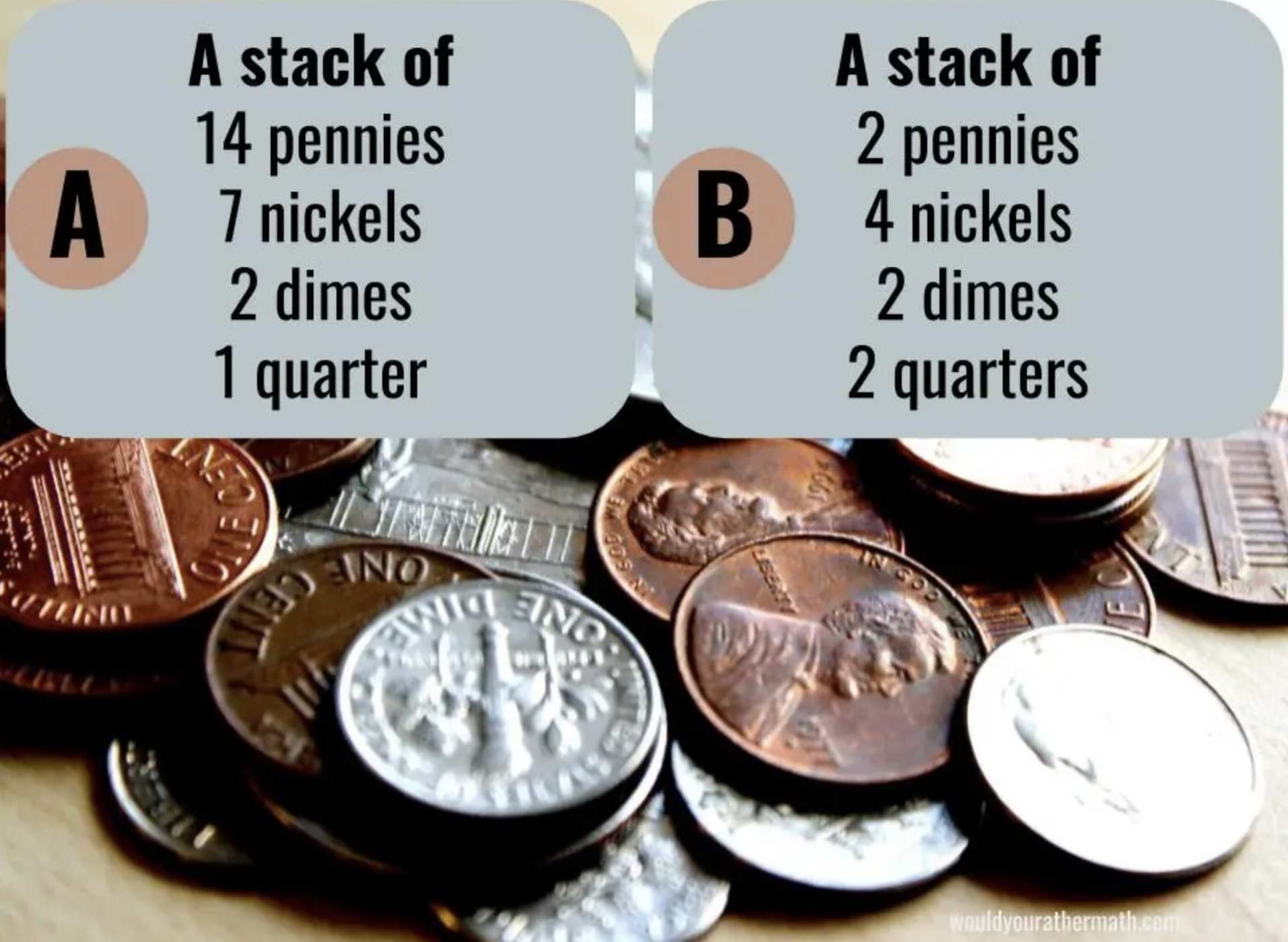
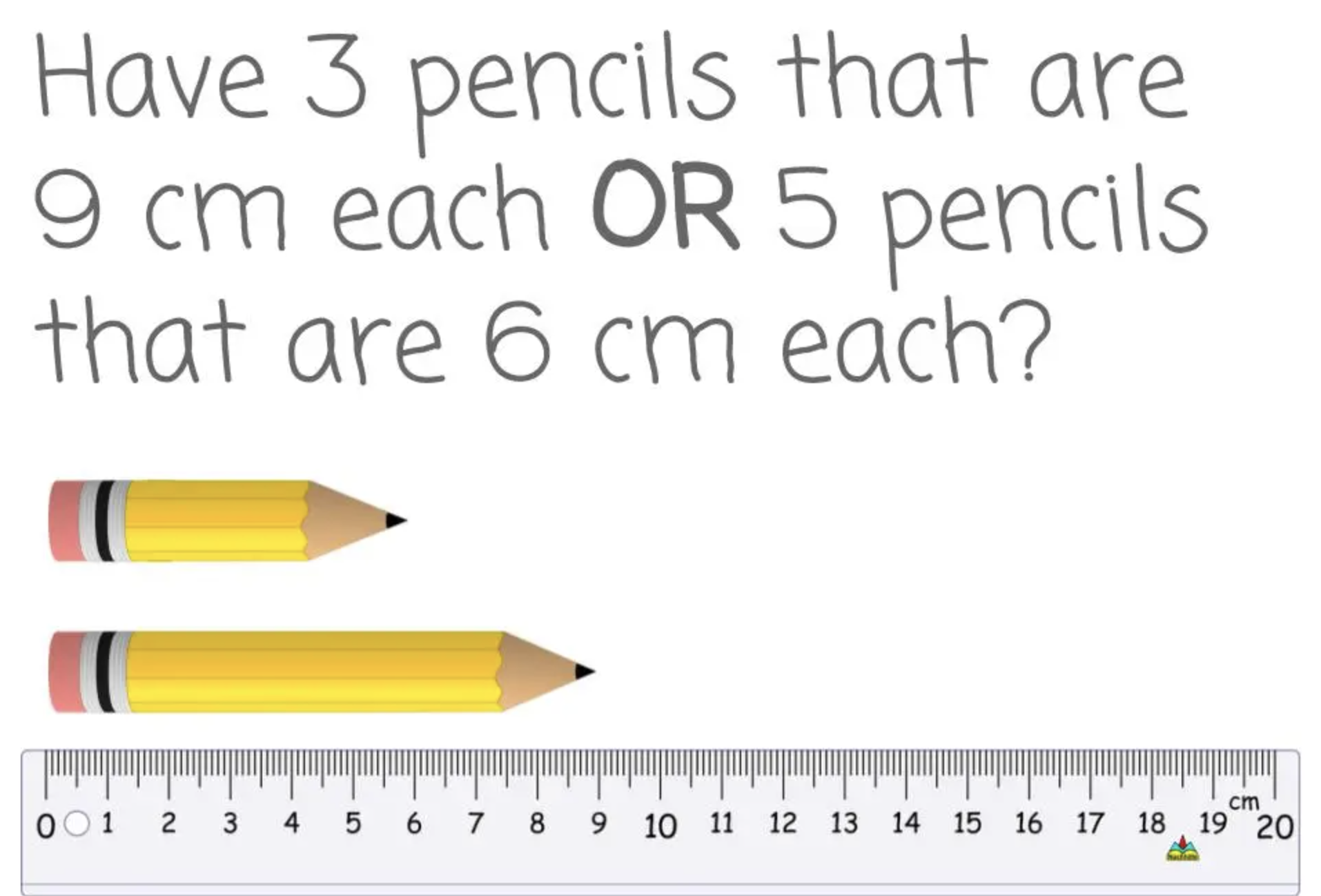
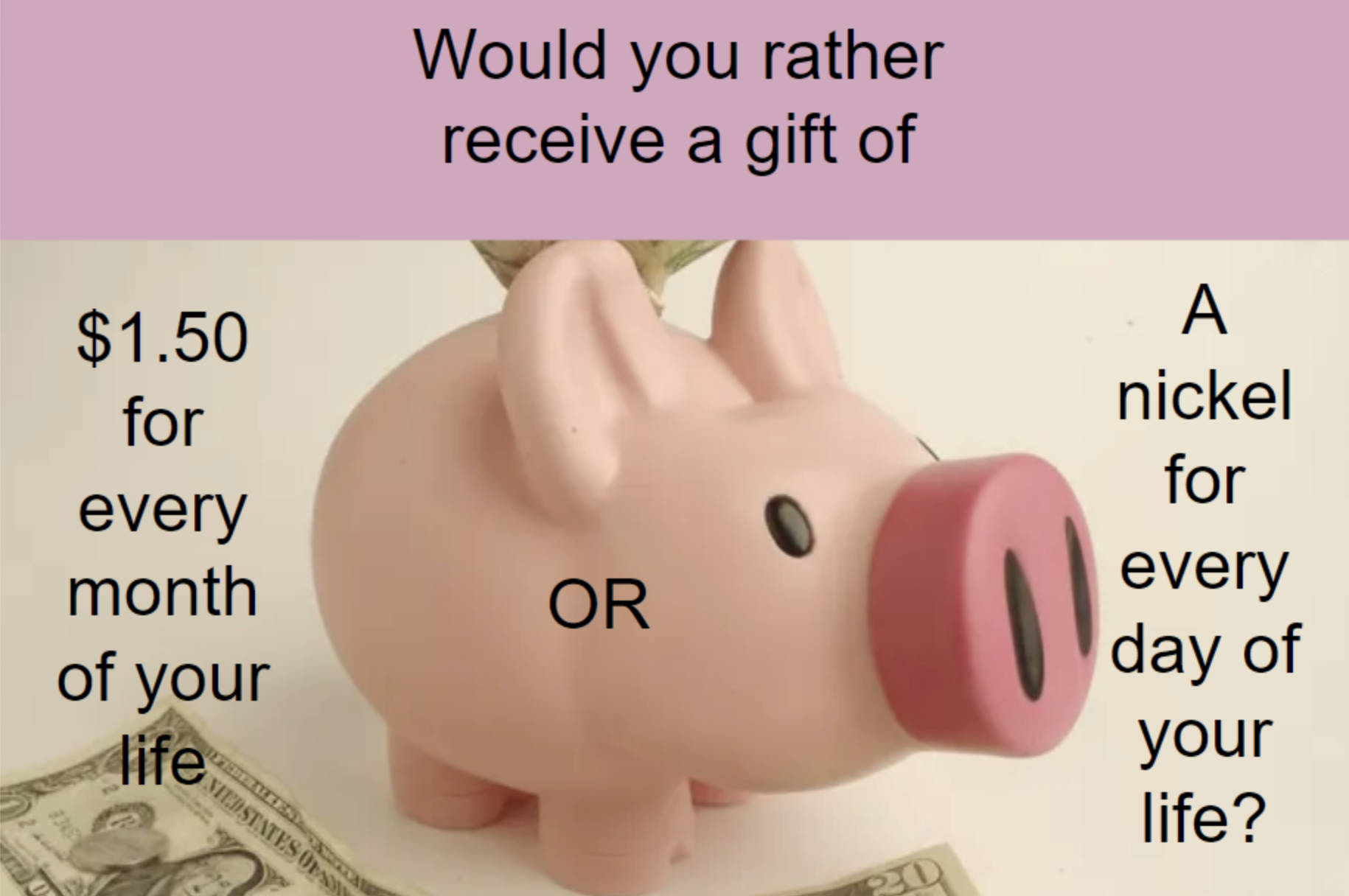
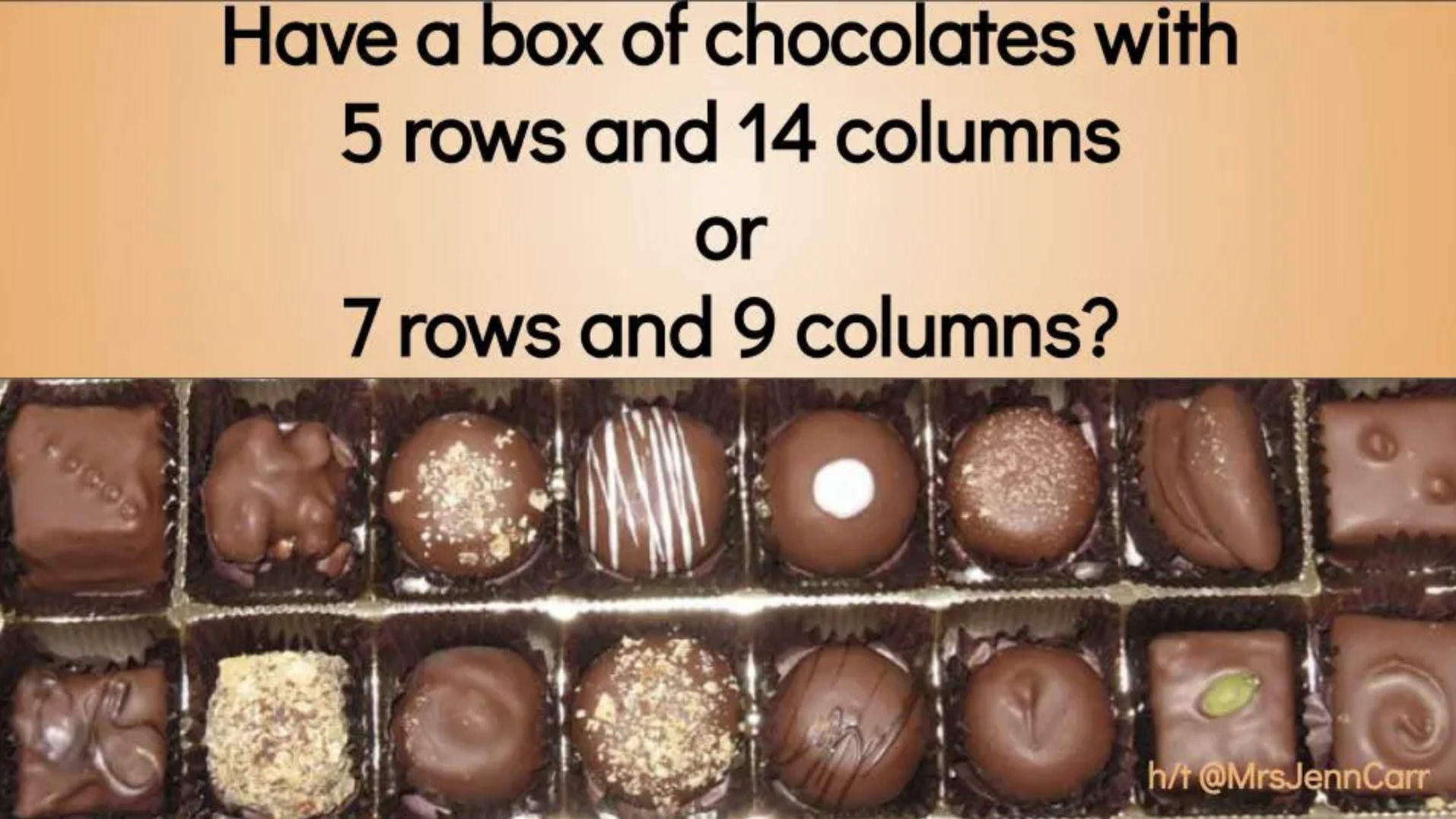
Would You Rather Math (brought to us by John Stevens) is an incredibly resourceful website that differentiates itself by grade levels: K-2, 3rd-5th, 6th-8th, and 9th-12th. Each group features grade level appropriate content that educators can use to launch their math lessons. These prompts promote higher level thinking, requiring your learners to stop and process what is being asked before jumping to a conclusion. It’s a great way to get your students ready for the learning goal of the day. Check out some examples below and click the image to the right to visit Would You Rather Math!

Wonderopolis


Wonderopolis is an informational site that helps kids ask and answer interesting questions about the world. Every day, a new "Wonder of the Day" question is posted -- each designed to get kids to think, talk, and find learning moments together in everyday life. Wonderopolis is a place to find inspiration and provoke curiosity. We love using this site for enrichment or as an intro to a unit. What’s really impressive with Wonderopolis is the variety of content. Learners can find articles on everything from Space to Fortnite, to the Aztec Empire and why rainforests are important. Another important feature to include is that Wonderopolis now features Microsoft’s Immersive Reader, which means its articles can be read aloud to students. If you’re a Microsoft Flip user, you can find many different Topics in the Flip Discovery Library. Click here to check them out and click the image to the right to check out the Wonderopolis website!

Zoo Montana
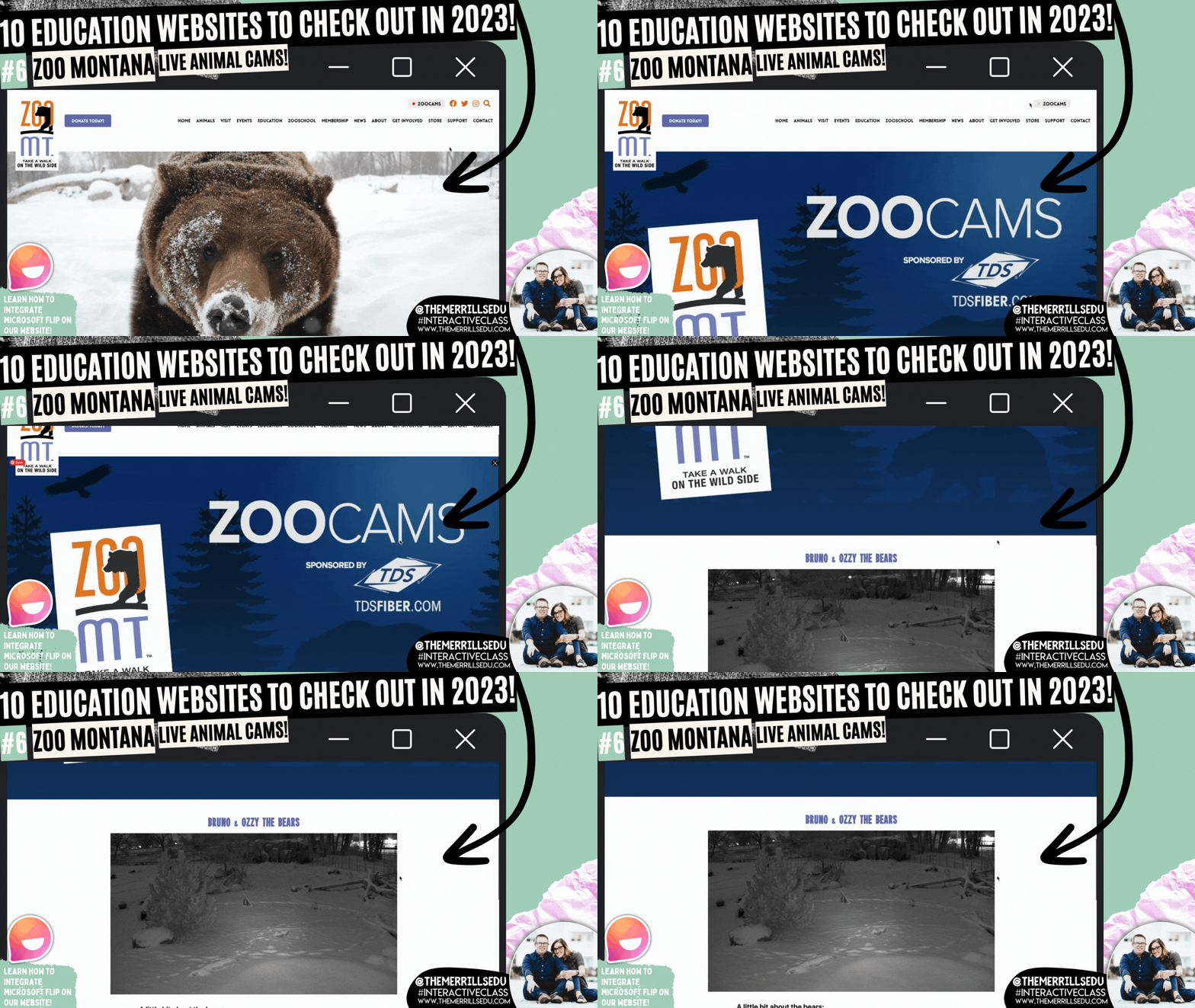
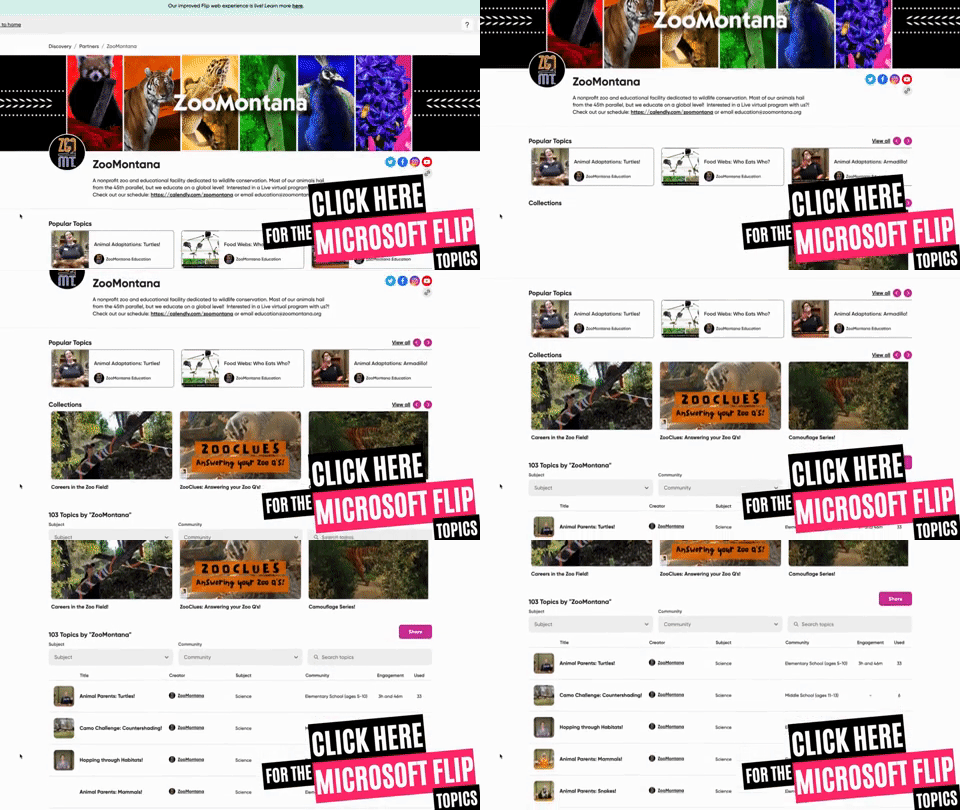
Zoo Montana is a unique zoo with special insights into some of its animals. In addition to featuring teaching resources, you can also find LIVE animal cams. These change out, but currently you can view Bruno & Ozzy the (Grizzly) Bears and Winston the Sloth. What we really love about Zoo Montana is it’s partnership with Microsoft Flip. Students can watch a video from the Zoo and then respond in a Flip video. For example, students can learn about the Red Panda by watching a video from the Zoo. Then, they can create a habitat that they feel would be suitable for the Red Panda and share it on Microsoft Flip. You can grab this Topic from the Flip Discovery Library by clicking right here, or check out the other Topics in the Flip discovery Library by clicking the image to the right!

3 Act Math (Graham Fletcher)
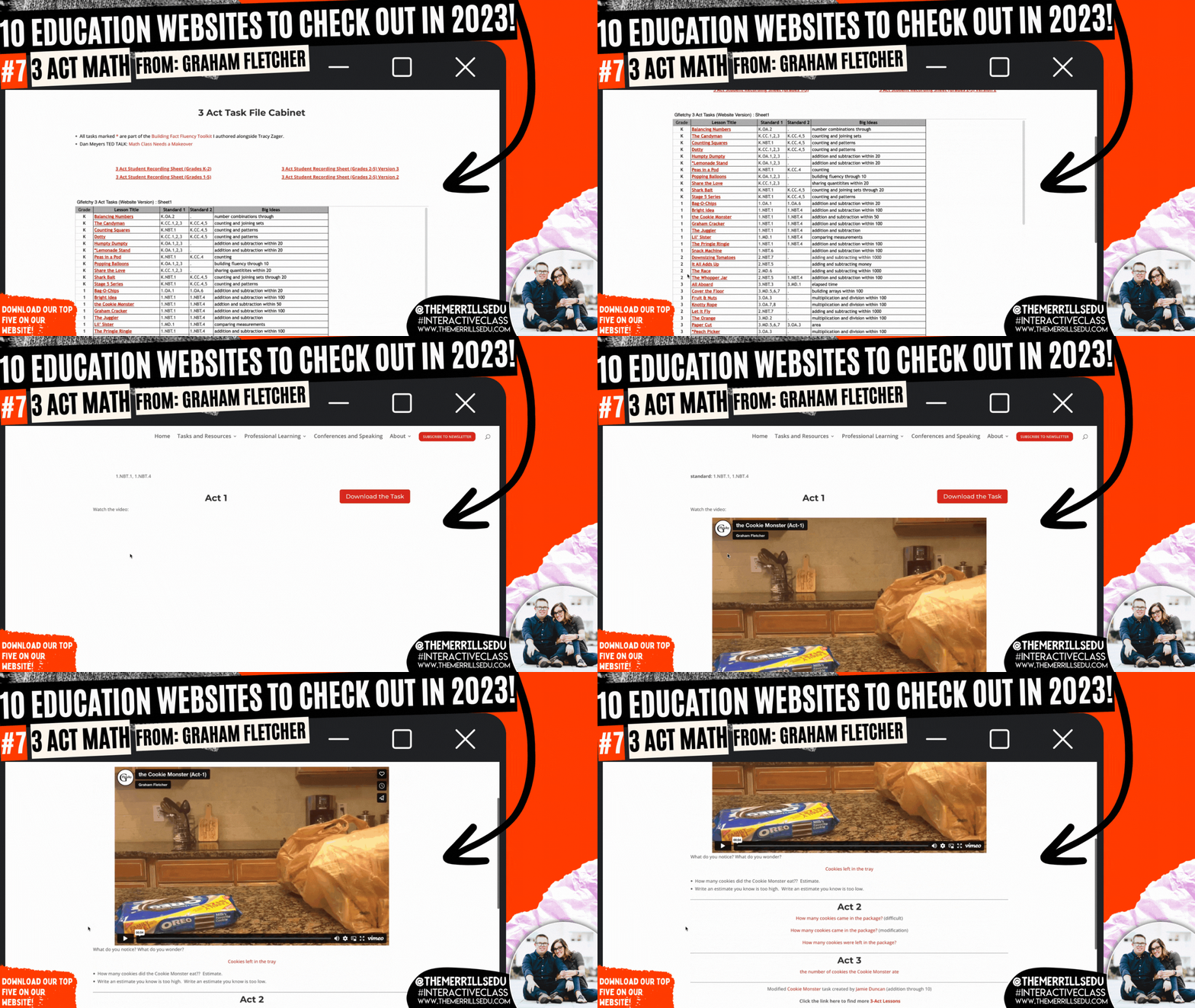
Graham Fletcher has an amazing website where he shares how to build fact fluency, progression videos (which we HIGHLY recommend), fresh ideas and 3 Act Tasks. A Three-Act Task is a whole-group mathematics task consisting of three distinct parts: an engaging and perplexing Act One, an information and solution seeking Act Two, and a solution discussion and solution revealing Act Three. Like in “Would You Rather Math,” we love using these ideas to launch our math lessons. Graham has done all of the hard work for you, creating videos targeting specific standards. Each task features a video and prompt - which can be modified and differentiated. Check out the full list of Graham’s 3 Act Math tasks by clicking on the image to the right!

Monterey Bay Aquarium

There’s a lot to love on the Monterey Bay Aquarium website. From it’s cute otters to sly sharks, to free online courses (in both English and Spanish), the Monterey Bay site has you covered! If you’re learning about anything that lives under the water, you’ll want to tie in this website. Students can log into LIVE web cams featuring 12 different species of animals. Our students’ favorite: the Shark cam which shares sharks and fish gliding through the aquarium’s exhibit. This could also be used as a calm down after returning from recess or transitioning from an exciting activity. Click the image to the right to check out the website and all of the animal cams!

Pebble Go
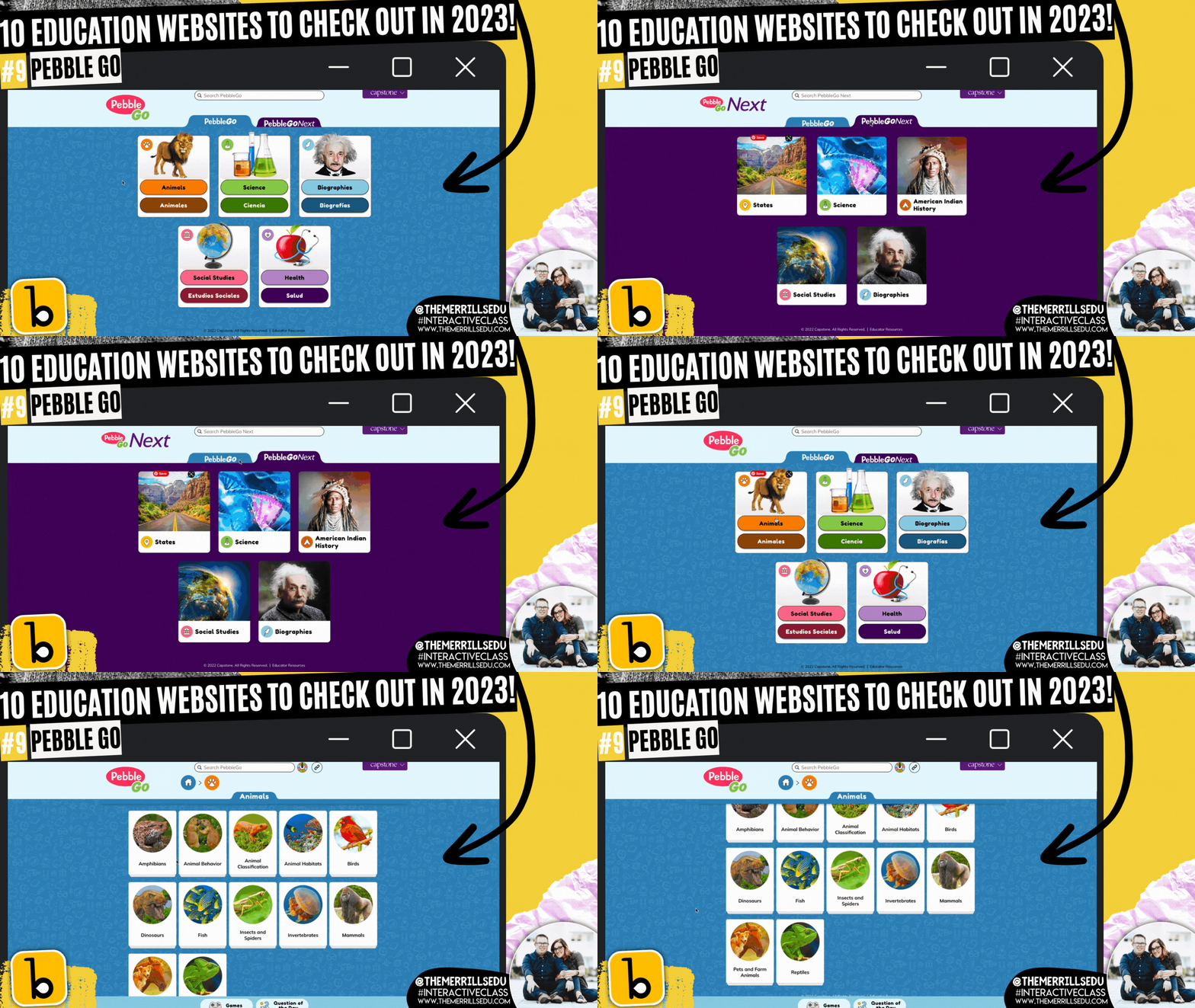
Pebble Go is hands down the best research website constructed for primary and intermediate level students. The site has tons of topics for students to learn about - all with accessibility in mind. Students can click on an article and have it read aloud. Each article is broken down into different tabs, targeting important content regarding the subject. For slightly older students, Pebble Go Next takes all of the amazingness of Pebble Go and kicks it up a notch. This version is more appropriate for 3rd-5th grades. It features topics that pertain to their interests. To level it up, pair Pebble Go with Buncee Create - the new partnership aimed at getting creative with its content. Click the image above or to the right to visit the Pebble Go website!

Epic

Epic is a teacher’s dream come true. A FREE digital library built on a collection of 40,000+ popular, high-quality books from 250+ of the world's best publishers. Books are categorized by subjects, topics, F&P levels and more. WE love that educators can create assignments and collections to assign to specific students (or groups of students). This allows for quick and easy differentiation. The community on Epic is very strong and a lot of material is shared. If you’re looking for a collection of books on the Planets, chances are someone already has created exactly what you are looking for. Just add it to your own collection and assign away! Check out some of our favorite collections below, or click the image to the right to head over to the Epic website!

-- Please follow us on social media and tag us with how you’re using these websites in your classroom! 👓👗
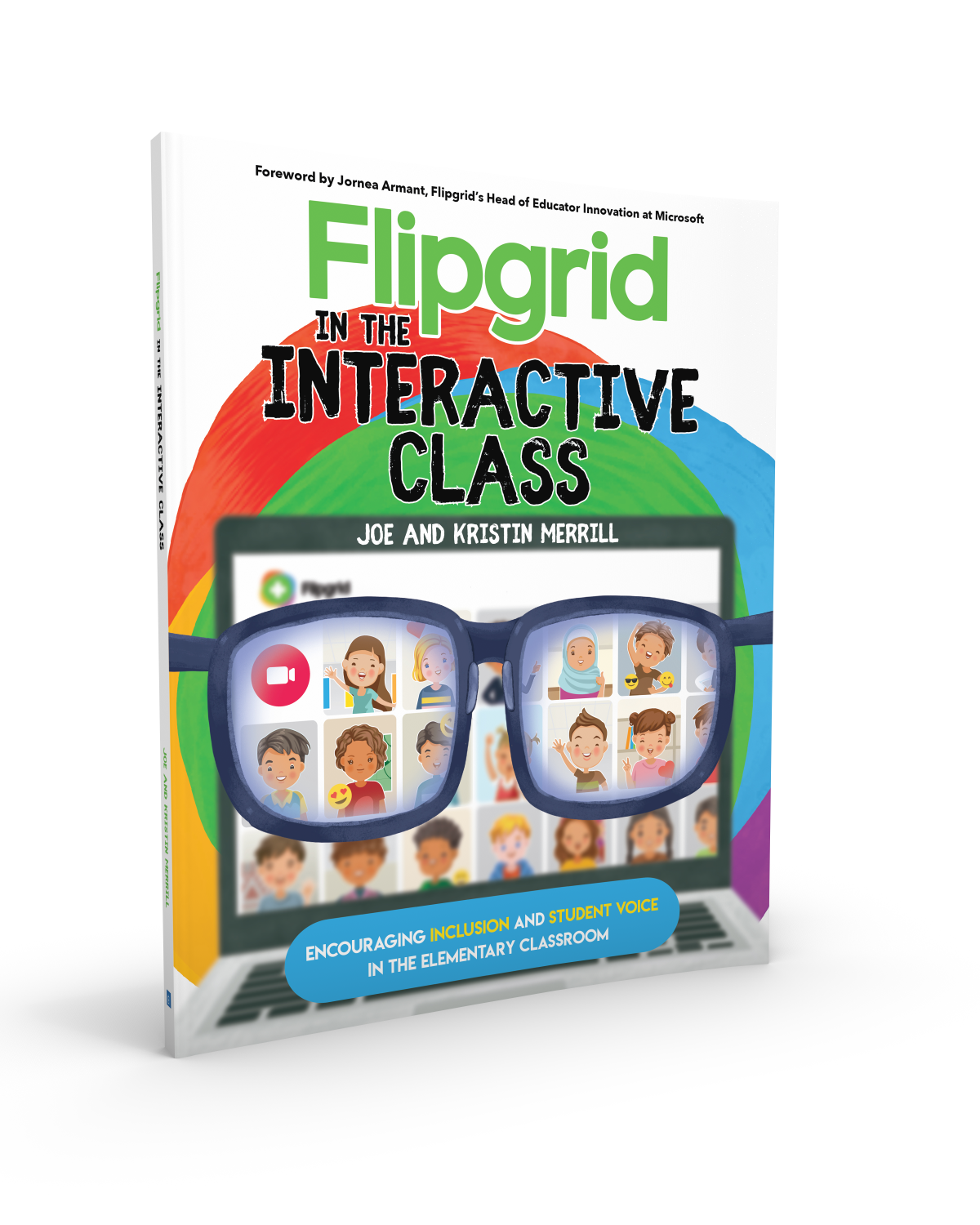
For more tips, tricks and lesson ideas for making learning more interACTIVE, check out our books The InterACTIVE Class and Flipgrid in the InterACTIVE Class on Amazon!



InterACTIVE Activities for Parker Looks Up!
Parker Looks Up is quickly becoming a classroom favorite! Here are some 💥FREE💥 interACTIVE activities to tie into the book and quickly engage your students!
Parker Looks Up is quickly becoming a classroom favorite picture book. The book, about a visit to Washington, DC’s National Portrait Gallery changes Parker Curry’s life when she views First Lady Michelle Obama’s portrait.
From Amazon.com:
When Parker Curry came face-to-face with Amy Sherald’s transcendent portrait of First Lady Michelle Obama at the National Portrait Gallery, she didn’t just see the First Lady of the United States. She saw a queen—one with dynamic self-assurance, regality, beauty, and truth who captured this young girl’s imagination. When a nearby museum-goer snapped a photo of a mesmerized Parker, it became an internet sensation.
If this book is in your plans, here are some of our favorite interACTIVE activities to go along with it. In this blog post, you’ll learn:
(click on any subheading to jump to that section)
Epic & Flipgrid Sticker Activity for Parker Looks Up

In this activity, we compared Michelle Obama with Parker from Parker Looks Up. First, you’ll want to make sure that you’ve created an Epic account. Think of Epic as the Netflix for books. It’s free for educators and is an incredible resource. Start your account by clicking here.
A quick search on Epic for Michelle Obama will return lots of options - including “Read to me” (where the book is automatically read aloud). Here’s a link to the entire collection!
We researched Michelle Obama, learning about her life and work. Then we went on to read Parker Looks Up. You can purchase a copy by clicking right here. After reading the book, we used Flipgrid to describe both individuals. You can add some fun into the mix by having your students use the Flipgrid stickers. Have them search for “hat” and “sunglasses.” They will find a similar pirate’s hat and sunglasses as what is in the story. Students can use these to become Parker! Check out our tweet below to see an example from our class and download the free worksheet from our TPT Store by clicking here or the image!


VR Museum Visit to View Michelle Obama’s Portrait at The National Portrait Gallery
To take things to the next level, why not provide your students with the chance to visit The National Portrait Gallery exhibit featuring Michelle Obama’s portrait? Check it out below or click here to visit it yourself and share with your students.
To provide access to this exhibit via Microsoft Teams, Canvas, Google Classroom and more - share this link with them: https://goo.gl/maps/e9WGCBY9wVu6L1fK8 or click below!
Selfie Portraits: A Flipgrid Portrait Activity for Parker Looks Up
In this activity, our students learned about Michelle Obama prior to reading Parker Looks Up. Then, we took the VR Field trip (above) to visit The National Portrait Museum to view the painting for ourselves. We also took time to learn about the artist. You can find detailed information at this link:

Then, for some added fun, we created portraits of ourselves. Students can snap a photo of themselves, then add it to the instapainting generator. Click here to check it out! Once they have generated their instapainting, they can compare their portrait to their picture using Flipgrid. Have the students upload both versions, using the Flipgrid Shorts camera’s effects (click photo sticker) and use the pause feature to toggle back and forth between the two. Students can then comment on their classmates videos to generate discussion.
Want to try this activity? Grab the Flipgrid Topic from the discovery lab by clicking the button below!
-- Please follow us on social media and tag us with how you’re using Parker Looks Up into your classroom! 👓👗
For more tips, tricks and lesson ideas for making learning more interACTIVE, check out our books The InterACTIVE Class and Flipgrid in the InterACTIVE Class on Amazon!




InterACTIVE Activities for Mae Among the Stars
“Mae Among the Stars” is a beautiful picture book for sharing and marking special occasions such as graduation, inspired by the life of the first African American woman to travel in space, Mae Jemison. It has quickly become a “must read” in many elementary classrooms - including our own! So, here are some ways we are using it!

“Mae Among the Stars” is a beautiful picture book for sharing and marking special occasions such as graduation, inspired by the life of the first African American woman to travel in space, Mae Jemison. It has quickly become a “must read” in many elementary classrooms - including our own! So, here are some ways we are using it!
In this blog post you’ll learn:
(click on any subheading to jump to that section)

Where to buy
Mae Among the Stars
You can find Mae Among the Stars at your favorite book store. If you need it in a hurry, Amazon is always an option. You can find it by clicking on the image below!

InterACTIVE apps to use with Mae Among the Stars, and Mae Jemison
Here are some of our favorite apps to use when reading about Mae Jemison and Mae Among the Stars!


Novel Effect:
Bring Read Alouds
to Life!
Novel Effect is an app that you use while reading your books. Read aloud with your favorite print books and the app follows along playing music, sound effects, and character voices at just the right moment. You can find lots of different titles, including Mae Among the Stars! There's a free version and a paid version of the app, which you can check out below!
You can download Novel Effect for iOS here and for Android here.
You can find the book, Mae Among the Stars on Novel Effect by clicking here!

Learn More About
Mae Jemison with the Epic Reading App!
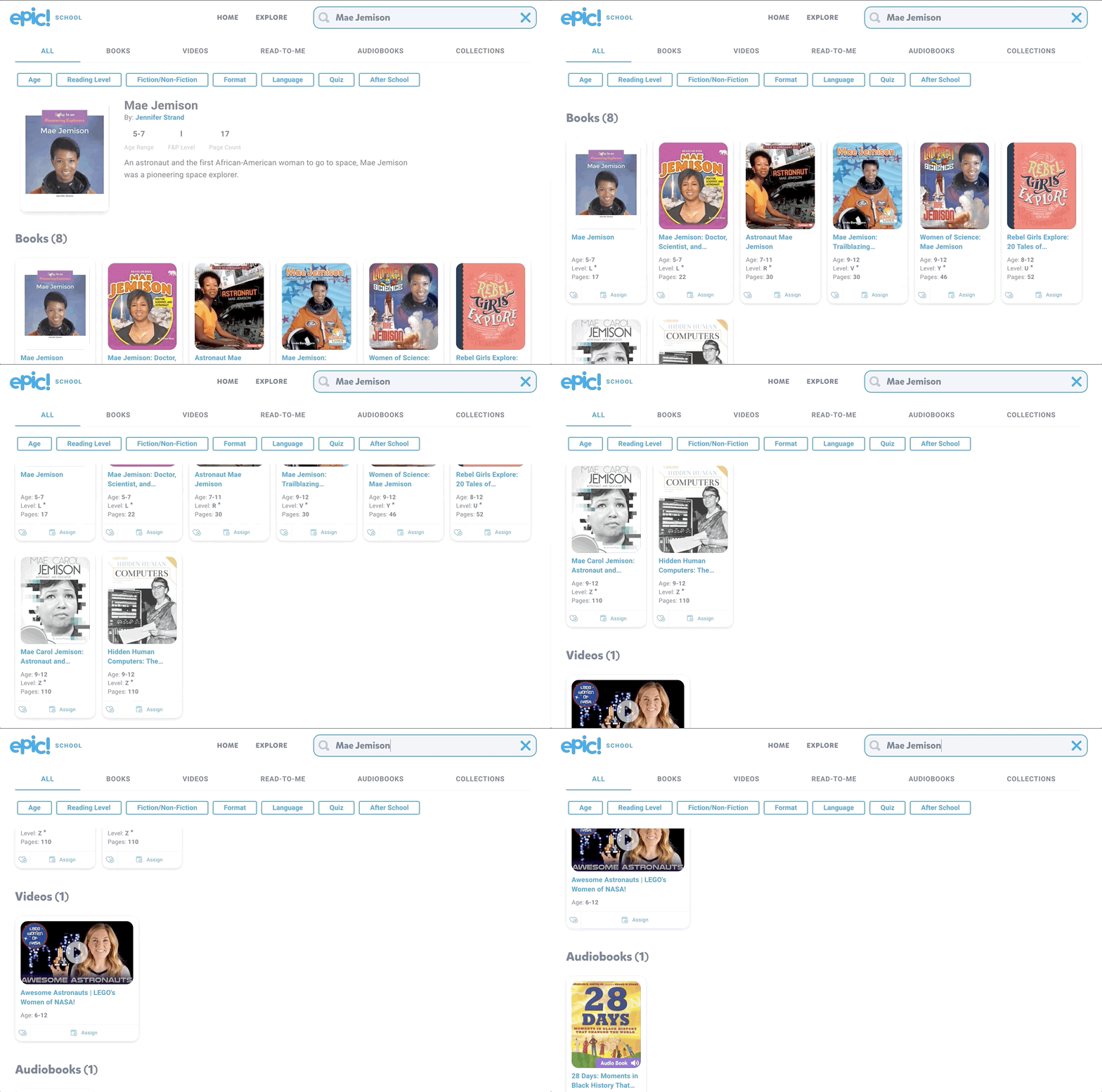
You can find lots of additional resources to tie into Mae Among the Stars by logging onto Epic! Epic is a the Netflix of kids books. The best part of all - it’s FREE for educators! Teachers can easily create a class and differentiate their instruction by assigning different books to different students, all with just a few clicks! Epic is available on all platforms and devices!
Check out the Epic website by clicking here!



Explore the solar system with a Merge Cube
Merge Cubes are a simple and easy way to bring augmented reality into your classroom. If you’re looking to tie the solar system into Mae Among the Stars, you can do so with Merge’s Galactic Explorer. Just scan a merge cube with the Galactic Explorer app to launch the experience. Students can explore the solar system as a whole, or dive into one of the planets!
Merge Cubes can be purchased or educators can print out a paper version to share with their students. Check out the paper template below!

Purchase a Merge Cube by clicking here
Download a paper template of a Merge Cube by clicking here
Learn more about Merge Cube apps by clicking here

Become an Astronaut in Flipgrid
Depending on the standard and your learning goal, you may want your students to retell the story or point out important details. There is no better way to do this than with Flipgrid! To make it even more engaging, have your students use our Astronaut frame to become an astronaut!
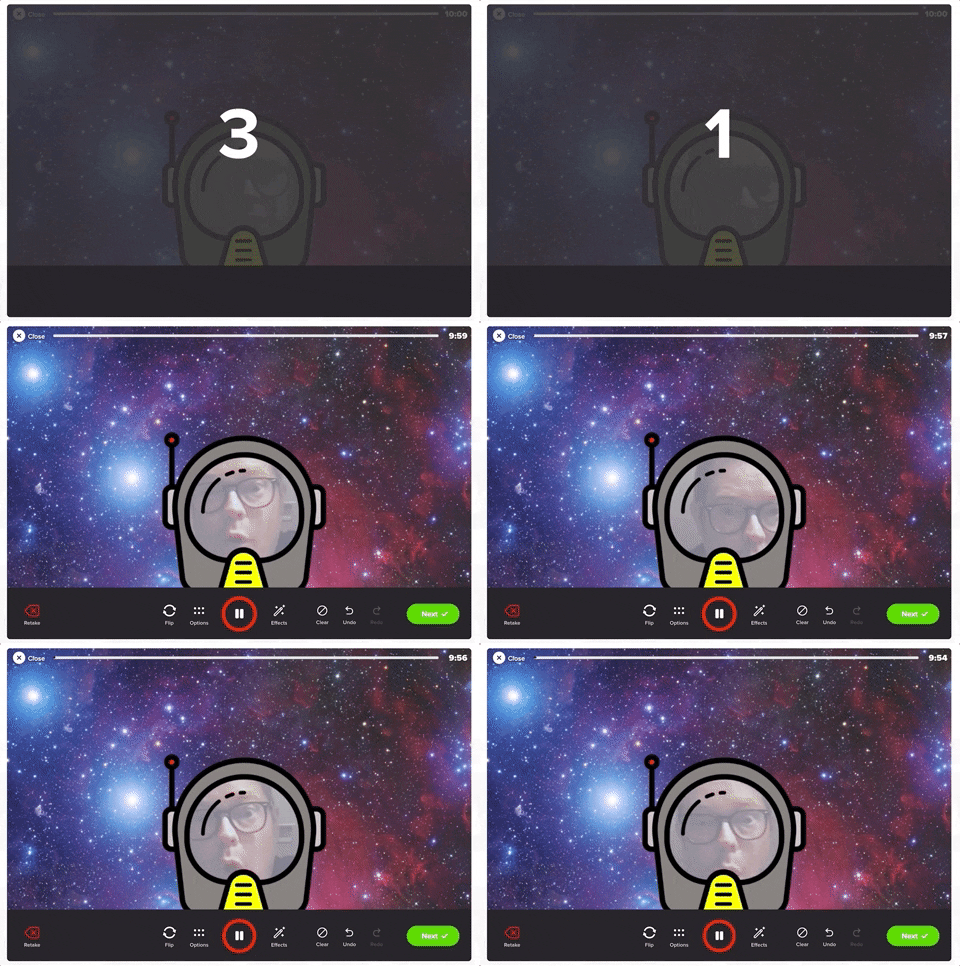

You can download the Astronaut frame by clicking the image below or here
(please note: this frame will not work on mobile devices)


Explore the Solar System, Compare Planets and more!
Take a tour of space to learn more about the planets with Tinybop’s iOS app, Space ($2.99). In Space, students travel into space and visit tiny Mercury, fierce Venus, friendly Earth, dusty Mars, stormy Jupiter, elegant Saturn, hazy Uranus, and mysterious Neptune. Students can study each planet’s characteristics, throw meteorites at each planet to test their atmospheres and gravity, see how big and massive each planet and the sun are by comparing them side-by-side and much more.
Check out an example below and click here to download (iOS only - $2.99).

InterACTIVE Activities and Ideas to Use with Mae Among the Stars and the Planets
Here are some interACTIVE activities that go along with Mae Among the Stars:
Fiction or Non-fiction?
After reading Mae Among the Stars, use Flipgrid to have your students answer the question of, “Do you think this story is fiction or non-fiction?Inquiry / Critical Thinking Ideas
Have your students answer the following question on Flipgrid: “Why do you think Mae’s dream seemed impossible? What would you have done if you were in her shoes?”Paired Texts (Day #1)
Select this National Geographic magazine from Epic, and read it with the entire class (whole group). After reading, have your students answer the following question on Flipgrid: After reading together, what questions do you still have about the planets? (they ask one question per video, asking as many as they can). Be sure to have them add a searchable hashtag to their video response (see image below)

Paired Texts (Day #2)
The next day, download and assign this Epic collection to your students. Have them go back the the previous days Flipgrid topic and have them look for answers to their friends questions by using the books from the Epic collection. Once students have found the answers to their friends questions, they can leave them a video comment. Encourage your students to use specifics in their video comments back to their friends. For example: “I read on page 22 that Saturn is the sixth planet from the sun.”Planet Research
Have your students research all of the planets (you can find a collection of all the planets on Epic by clicking here). Then, have your students create a Flipgrid video where they travel to several planets, listing 3-5 facts about each. Bonus: Have them use our astronaut frame above or the Board, Sticker, and Ink feature built into the Flipgrid camera to personalize their video.Learn more about the solar system with this 3D model website from NASA! Zoom in and out, visit planets and even hop on a comet! Check out the site below or click here to visit the website.
Star Constellations in Flipgrid
Have your students create a constellation using the board and sticker features in Flipgrid. Once they have their design created, have them use the ink tool to connect the stars!

-- Stay tuned for more on how you can use Mae Among the Stars into your classroom! 👓👗
For more tips, tricks and lesson ideas for making learning more interACTIVE, check out our books The InterACTIVE Class and Flipgrid in the InterACTIVE Class on Amazon!


