


Desk to Digital: Math Facts
From Desk to Digital is a series of mini blog posts where @TheMerrillsEDU share ways to transform your students education into an interACTIVE experience. Whether substituting a worksheet or trying something new, these activities are easy and can be implemented into your classroom tomorrow! In this post, learn how the website Solvemoji.com can engage your learners with fun math fact fluency.

This blog post is from a series of ideas where we take normal, everyday tasks and make them interACTIVE! For more tips and tricks, be sure to search “Desk to digital” on our blog!
Practicing Math fluency does NOT have to involve worksheets. Teachers can bring a new element of fun into what is normally a routine and monotonous experience for students. Here’s a quick way to get your kids engaged with content that is more relevant and right up their alley!

Solvemoji
Solvemoji is a free website that uses emojis to represent numerals. The emojis are grouped together as an equation and placed on a card. Students work to try and solve the equation one step at a time.

Get Started
Select a puzzle from Solvemoji to assign to your students. Educators can download the puzzles by clicking on the download button and then uploading them into a PowerPoint / Google Slides deck, or just projecting directly to your board / screen. Students complete the puzzle using a whiteboard, then share out their responses once they have completed the task.

See It In Action
Check out the tweet below to see Solvemoji in action!
-- Stay tuned for more on how you transform your classroom into a more interACTIVE experience! 👓👗
For more tips, tricks and lesson ideas for making learning more interACTIVE, check out our books The InterACTIVE Class and Flipgrid in the InterACTIVE Class on Amazon!


Using Flipgrid's "Ideas" in a Primary Classroom
One of Flipgrid’s most powerful features is often overlooked. “Ideas” has a similar feel to Instagram or Facebooks’ “Stories.” You can even swipe from left to right!
One of Flipgrid’s most powerful features is often overlooked. “Ideas” has a similar feel to Instagram or Facebooks’ “Stories.” You can even swipe from left to right!
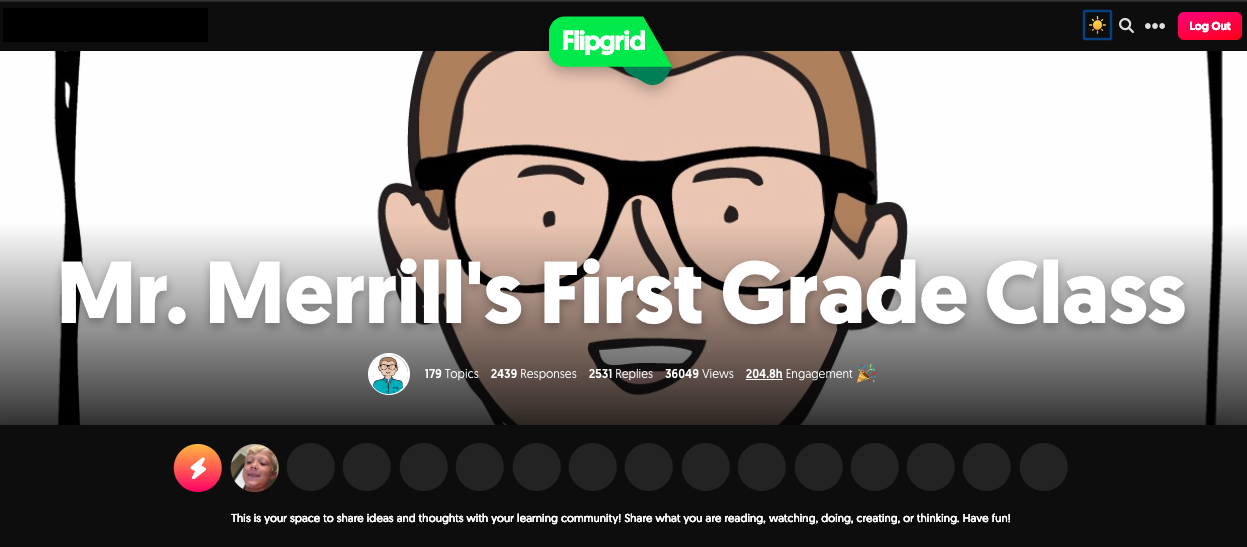
These quick bursts of thinking can help to ignite a larger conversation in your topics. But, if you’re looking for an efficient and easy way to integrate “Ideas,” don’t think about it too hard…let your students do the thinking!
Above is an example of a lesson I recently did with my first graders. I prompted them with a word problem, then asked the entire class to attempt to solve the problem using only mental math. I knew that only a few kids would be able to handle solving it - but that was exactly what I wanted. So, after about a minute, I asked anyone who thought they knew the answer to raise their hand. Once I had a student who was able to answer correctly, I gave them permission to go and record an “Idea” on Flipgrid. In the “Idea” video, they simply stated what the answer was to the problem - nothing more. So now, all of my students understood where they needed end up - but the real question was could they explain how to get there? So, this is where they worked out the problem on a whiteboard. After practicing what to say, the entire class went onto Flipgrid and started explaining their thinking and strategies. The students knew if they didn’t end up with the answer in the “Idea,” then they were incorrect and had to keep trying. It was neat to see was how the class worked everything out. There were 2-3 similar strategies used to solve, but not one was used more than the other. We all arrived at the same answer, but with “Ideas,” we reached a higher level of thinking. — 👓