


How to Use LightSpace to Turn Your Classroom Into an Infinite Augmented Reality Whiteboard
@TheMerrillsEDU introduce how to use the iOS app LightSpace. LightSpace transforms your surroundings into an Augmented reality digital whiteboard. You can even walk through your own creations! Learn how it all works and pick some lesson ideas here!

LightSpace is an AR (augmented reality) iOS app that allows you to turn your surroundings into a canvas. Using LightSpace’s tools, you can record a video and add things like drawings, shapes and various effects right into the shot. The best part is if you walk away from your drawing, LightSpace maps the room. So, if you walk back towards your drawing, it will reappear! This is a great way to capture engagement and build interACTIVE activities. In this blog post, you’ll learn:
(click on any subheading to jump to that section)

How LightSpace Works 🚀
LightSpace allows you to paint with 3D light in the real world! Use LightSpace to paint wings on your friends, make fireworks in your living room, write love notes with sparklers, and draw faces on bananas.
The best part: it’s in augmented reality (AR). So…For the first time ever, walk around your illustrations to see them from every angle. Record a video while you paint, or afterwards to share your work with the world. Add details by doodling on the screen or paint expansive shapes by using your phone as the brush.
How to Turn Your Surroundings Into an Infinite Digital Whiteboard 🎥

So…this is awesome and all, but how does this translate into something academic in the classroom? Well, let’s turn our classroom into an infinite digital whiteboard! Here’s how:
Start off by opening the LightSpace app. The app will intelligently map out the room. Think about what you want your students to be challenged with. For this example, we’ll use math equations. Walk over to where you want to draw the math problems. For example, if you want you math problems to appear on a bulletin board, walk over to it and select the drawing tool. Draw an equation, then walk away from it. You may want to repeat this process several times, depending on how you wish to challenge your students. Then pick a starting point - like your front door or a student’s desk. Then, click the record button and walk towards your first challenge. As you approach where you drew the first challenge, it will appear! If you’ve drawn the challenge in a place where you can walk, you can actually walk right through it! Once you’ve shown all of your equations, stop the recording. The clip will automatically be saved onto your camera roll.
Now that you have the video saved onto your camera roll, you can upload it to Flipgrid. Add the video as a topic resource, then share the topic with your students to complete.

10 Ways to Use LightSpace in the Classroom 🎒
Here are some ways that you can integrate LightSpace into your classroom:
Math equations / challenges
Math Number of the Day / Number Talks
Math student explanations
Vocabulary terms
Sequence of Events (walk through each step!)
Identifying variables in a science experiment
Science experiment documentation
Hidden challenges
Digital Breakouts
Social Studies map skills / geography
Check out our example on TikTok and be sure to follow us!
-- Stay tuned for more on how you can embed LightSpace into your classroom! 👓👗
For more tips, tricks and lesson ideas for making learning more interACTIVE, check out our books The InterACTIVE Class and Flipgrid in the InterACTIVE Class on Amazon!



Social and Emotional Learning with Distance Learning
We’re busy. Things have been hectic for us all, and it seems almost impossible to just stop and think for a second. Our mental health is just as important as our physical health throughout a pandemic. It’s easy to keep our kids indoors, but let’s not forget the about their mental health.
Social Emotional Learning (SEL) App
Me (by Tinybop)
We’re busy. Things have been hectic for us all, and it seems almost impossible to just stop and think for a second. Our mental health is just as important as our physical health throughout a pandemic. It’s easy to keep our kids indoors, but let’s not forget the about their mental health. They probably have questions that they’re not asking. They may not want to talk about them, but we need to provide an outlet for them. Me, from Tinybop, is an app that does just that.


$2.99 (iOS only)
Click here or the image to download

What is the Me App?
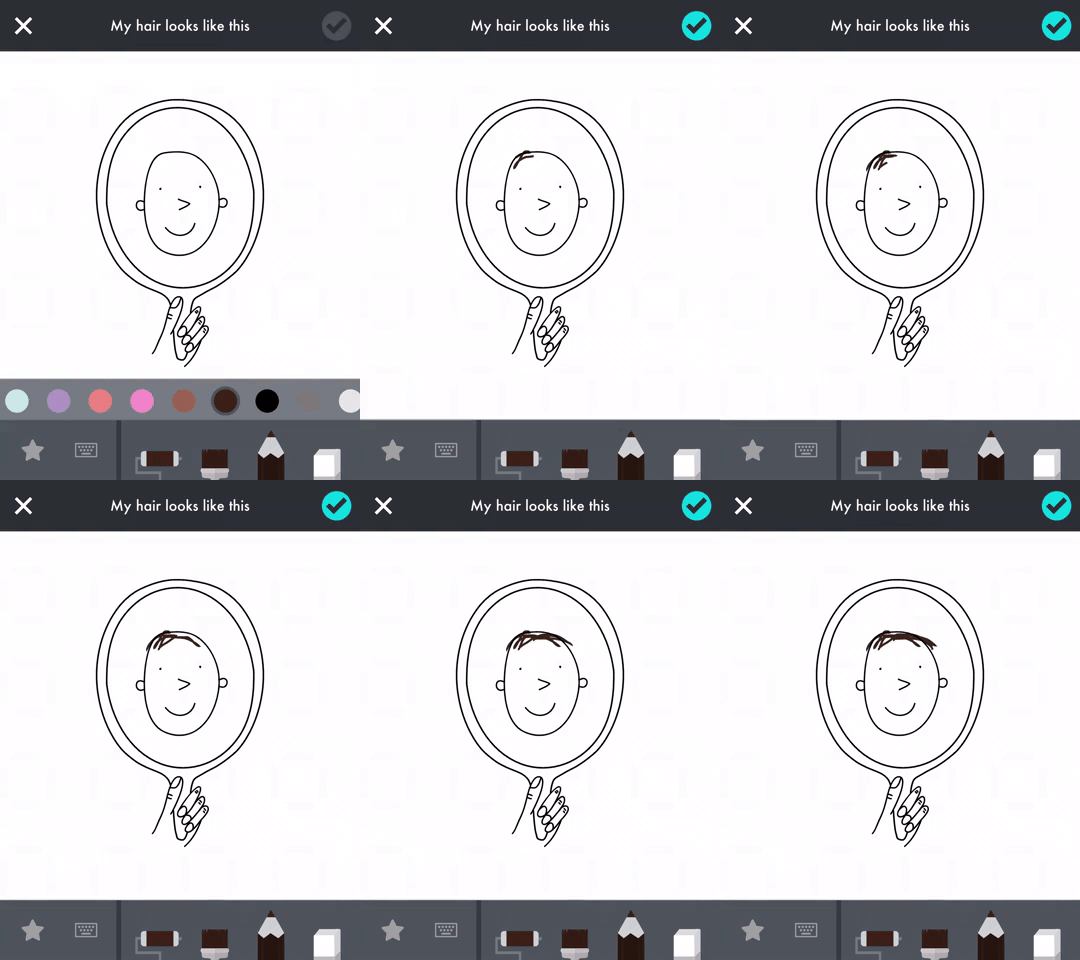
“Me” allows kids to tell their own story. Think of it like a digital diary - but with lots of fun features. It gives kids hundreds of fun, inspiring prompts to help them learn more about themselves and the people around them.
In drawings, words, animations, recordings, and photos, kids can document their worlds: their families, friends, pets, feelings, likes, dislikes, wishes, and dreams. As they play and create, kids build self-awareness, self-confidence, empathy, and kindness.
Check out some of the feedback from “Me.”
"An app that teaches my kids to empathize, include, and appreciate others, that’s screen time I can feel good about." — Cool Mom Tech
"We love not just the creativity the app inspires but also the memorable family discussions that can result. Very cool." — Parents Magazine


Can “littles” use it?
We introduced this app top our youngest son (6 years old), and he loves all of the different tasks. His favorite entry thus far was to take a picture of his family. So, rather than asking everyone to get together for a family portrait, he just decided to take a snap a shot of one of our framed pictures. 😂
He also enjoyed creating his own illustrations, recording different sounds, and making animated gifs from the prompts. The tools are easy enough for any age group to use. As an added bonus, he can save all of his “work” to the camera roll, and then share it back to us by airdropping it.
ARTWORK:
There’s a lot to love in “Me,” but the artwork is truly stunning and visually appealing for all ages. Ana Seixas, the artist behind the magic, and the developers at Tinybop have created a platform that is easy to use and understand.


FEATURES:
Create and accessorize avatars for yourself and all the people and pets in your life.
Your avatar responds to you, expressing emotions you can capture and share. Send an animated drawing to your friends or save it to your camera roll.
Ask and answer hundreds of questions about yourself and all the important people and places in your life.
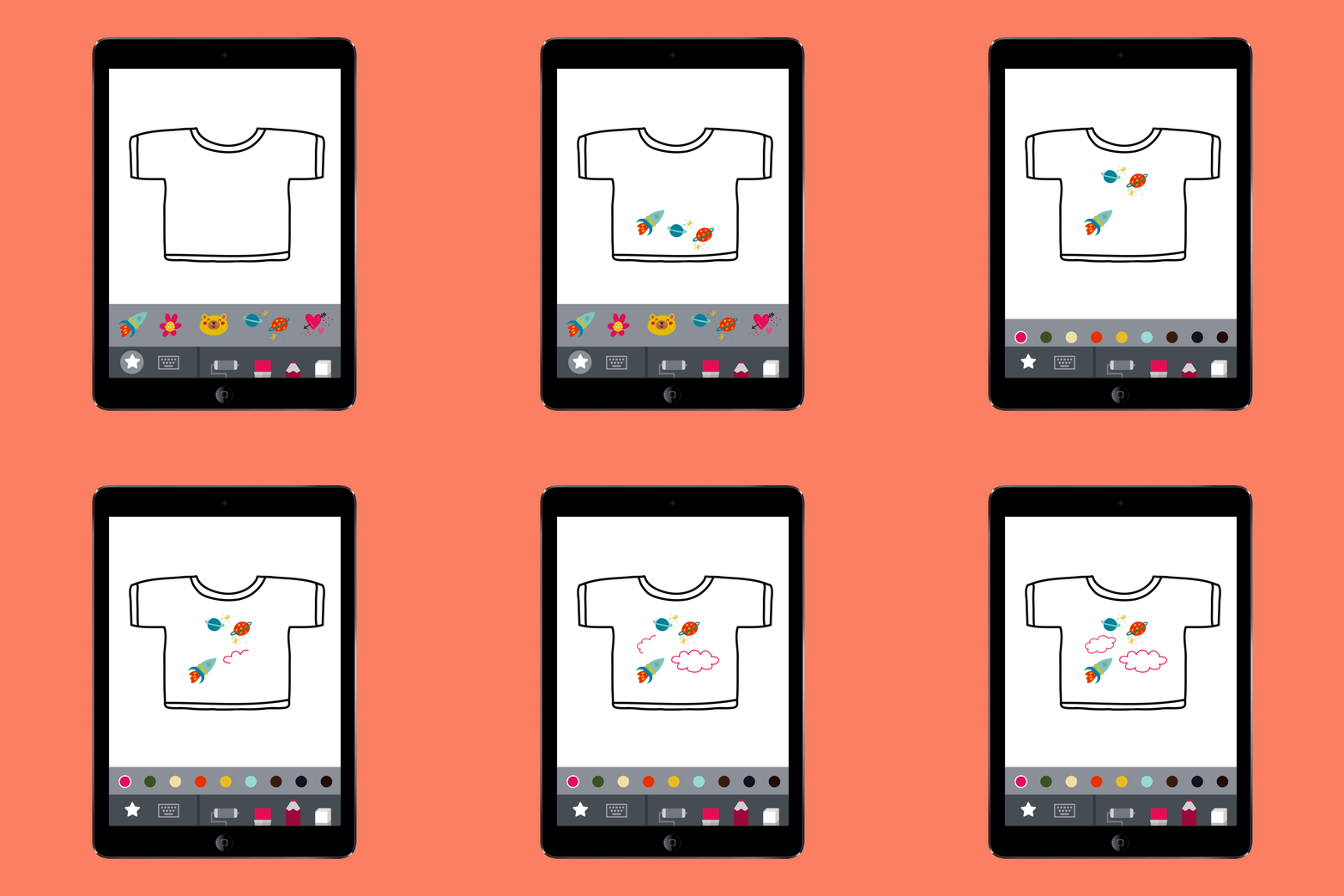
Decorate your photos with fun stickers and words.
Create drawings with different pens, brushes, and colors.
Record stories and sounds.
Write on pictures and photos.
See your answers turn into animations and other surprises!
See everything you have created and recorded in one swipe.
Safe space for self-expression. Nothing is shared unless you choose to.
Original artwork by Ana Seixas.
Original sound design.
Open-ended activities with no rules. Curiosity and creativity are rewarded.
Multi-user system.
Fun for everyone: families can play and learn together!
To learn more about “Me,” check out the Tinybop website by clicking here.
To download “Me,” click on the image below!

For more information on how to make learning more engaging and relevant by using technology, check out our book The InterACTIVE Class.

