


How to Use LightSpace to Turn Your Classroom Into an Infinite Augmented Reality Whiteboard
@TheMerrillsEDU introduce how to use the iOS app LightSpace. LightSpace transforms your surroundings into an Augmented reality digital whiteboard. You can even walk through your own creations! Learn how it all works and pick some lesson ideas here!

LightSpace is an AR (augmented reality) iOS app that allows you to turn your surroundings into a canvas. Using LightSpace’s tools, you can record a video and add things like drawings, shapes and various effects right into the shot. The best part is if you walk away from your drawing, LightSpace maps the room. So, if you walk back towards your drawing, it will reappear! This is a great way to capture engagement and build interACTIVE activities. In this blog post, you’ll learn:
(click on any subheading to jump to that section)

How LightSpace Works 🚀
LightSpace allows you to paint with 3D light in the real world! Use LightSpace to paint wings on your friends, make fireworks in your living room, write love notes with sparklers, and draw faces on bananas.
The best part: it’s in augmented reality (AR). So…For the first time ever, walk around your illustrations to see them from every angle. Record a video while you paint, or afterwards to share your work with the world. Add details by doodling on the screen or paint expansive shapes by using your phone as the brush.
How to Turn Your Surroundings Into an Infinite Digital Whiteboard 🎥

So…this is awesome and all, but how does this translate into something academic in the classroom? Well, let’s turn our classroom into an infinite digital whiteboard! Here’s how:
Start off by opening the LightSpace app. The app will intelligently map out the room. Think about what you want your students to be challenged with. For this example, we’ll use math equations. Walk over to where you want to draw the math problems. For example, if you want you math problems to appear on a bulletin board, walk over to it and select the drawing tool. Draw an equation, then walk away from it. You may want to repeat this process several times, depending on how you wish to challenge your students. Then pick a starting point - like your front door or a student’s desk. Then, click the record button and walk towards your first challenge. As you approach where you drew the first challenge, it will appear! If you’ve drawn the challenge in a place where you can walk, you can actually walk right through it! Once you’ve shown all of your equations, stop the recording. The clip will automatically be saved onto your camera roll.
Now that you have the video saved onto your camera roll, you can upload it to Flipgrid. Add the video as a topic resource, then share the topic with your students to complete.

10 Ways to Use LightSpace in the Classroom 🎒
Here are some ways that you can integrate LightSpace into your classroom:
Math equations / challenges
Math Number of the Day / Number Talks
Math student explanations
Vocabulary terms
Sequence of Events (walk through each step!)
Identifying variables in a science experiment
Science experiment documentation
Hidden challenges
Digital Breakouts
Social Studies map skills / geography
Check out our example on TikTok and be sure to follow us!
-- Stay tuned for more on how you can embed LightSpace into your classroom! 👓👗
For more tips, tricks and lesson ideas for making learning more interACTIVE, check out our books The InterACTIVE Class and Flipgrid in the InterACTIVE Class on Amazon!




AR Flipgrid Trading Cards
Describing the characters from a text has never been this fun! Check out how to create your own augmented reality character trading cards!
Describing characters has never been this much fun! Joe’s first graders spent some time going through a text, creating trading cards for each character, and then adding an AR (augmented reality) flare to it all.

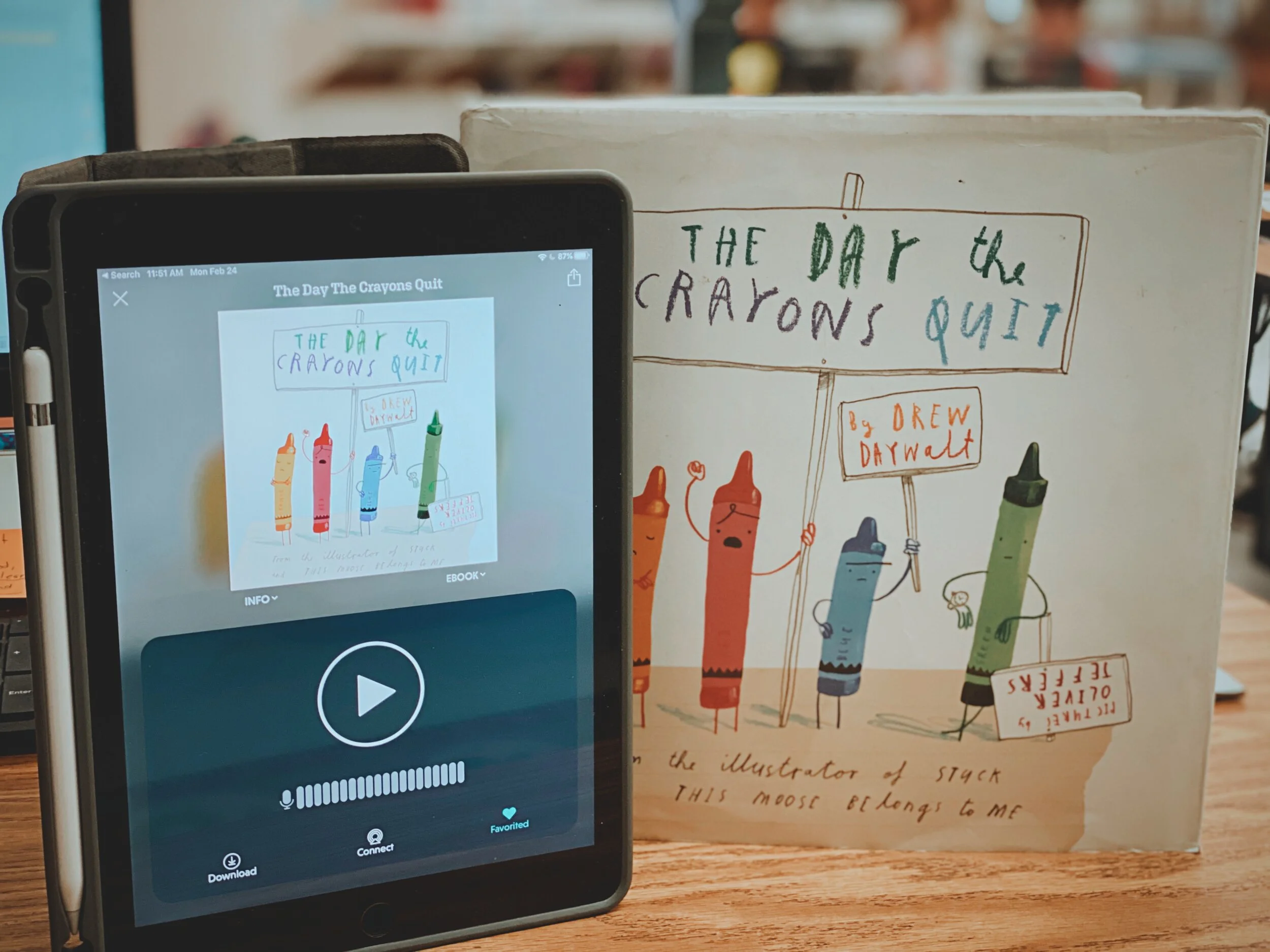
Drew Daywalt and Oliver Jeffers’ “The Day the Crayons Quit” has become a loved book amongst teachers, parents, and students. In this highly entertaining book, the crayons write letters to a young boy named Duncan, as they are fed up with how they are being treated. To make the read aloud interACTIVE, you can download the Novel Effect app. This app uses the microphone built into your smart phone to listen as you read. When you read certain words along the way, sound effects and music is played.
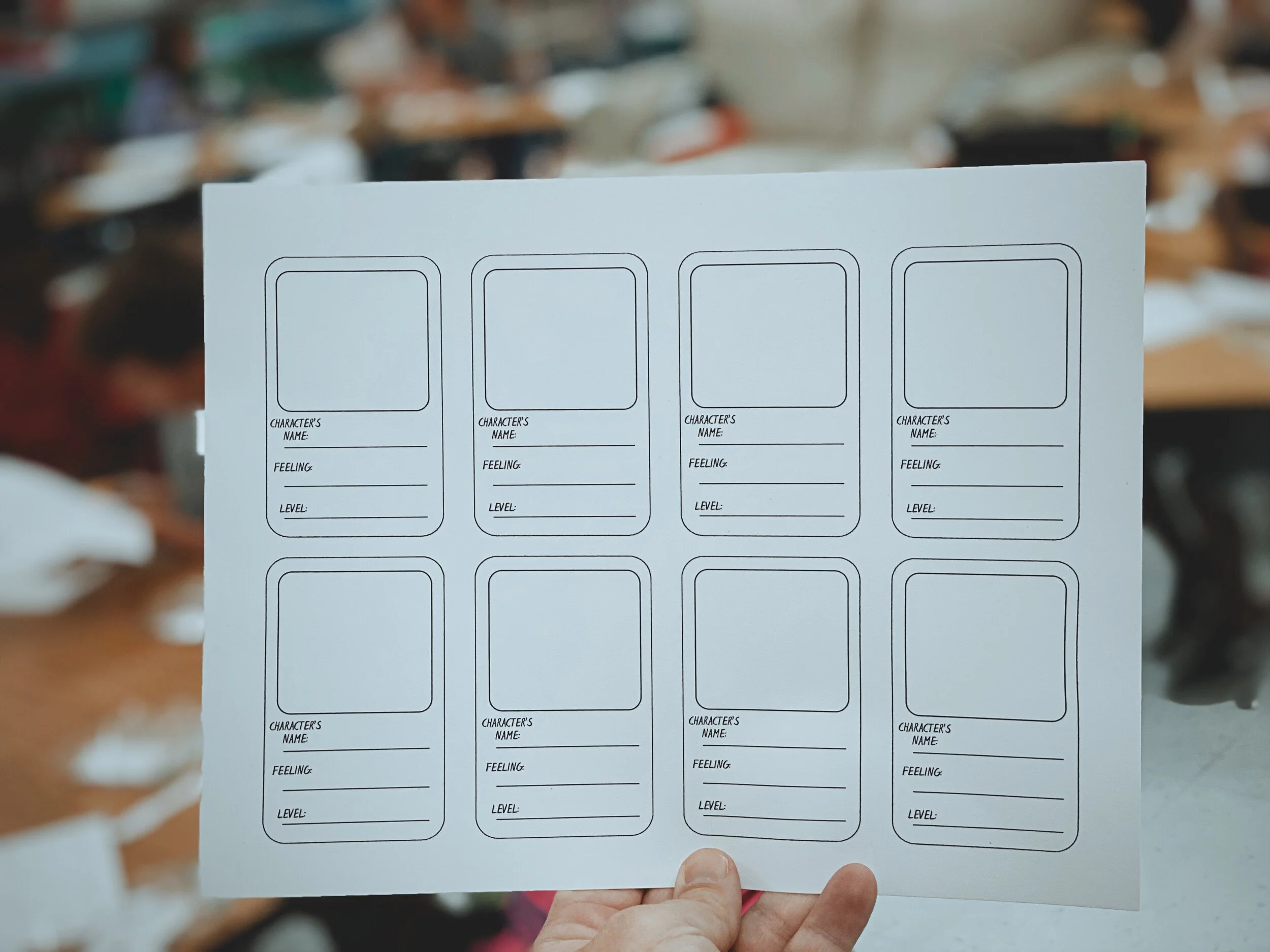
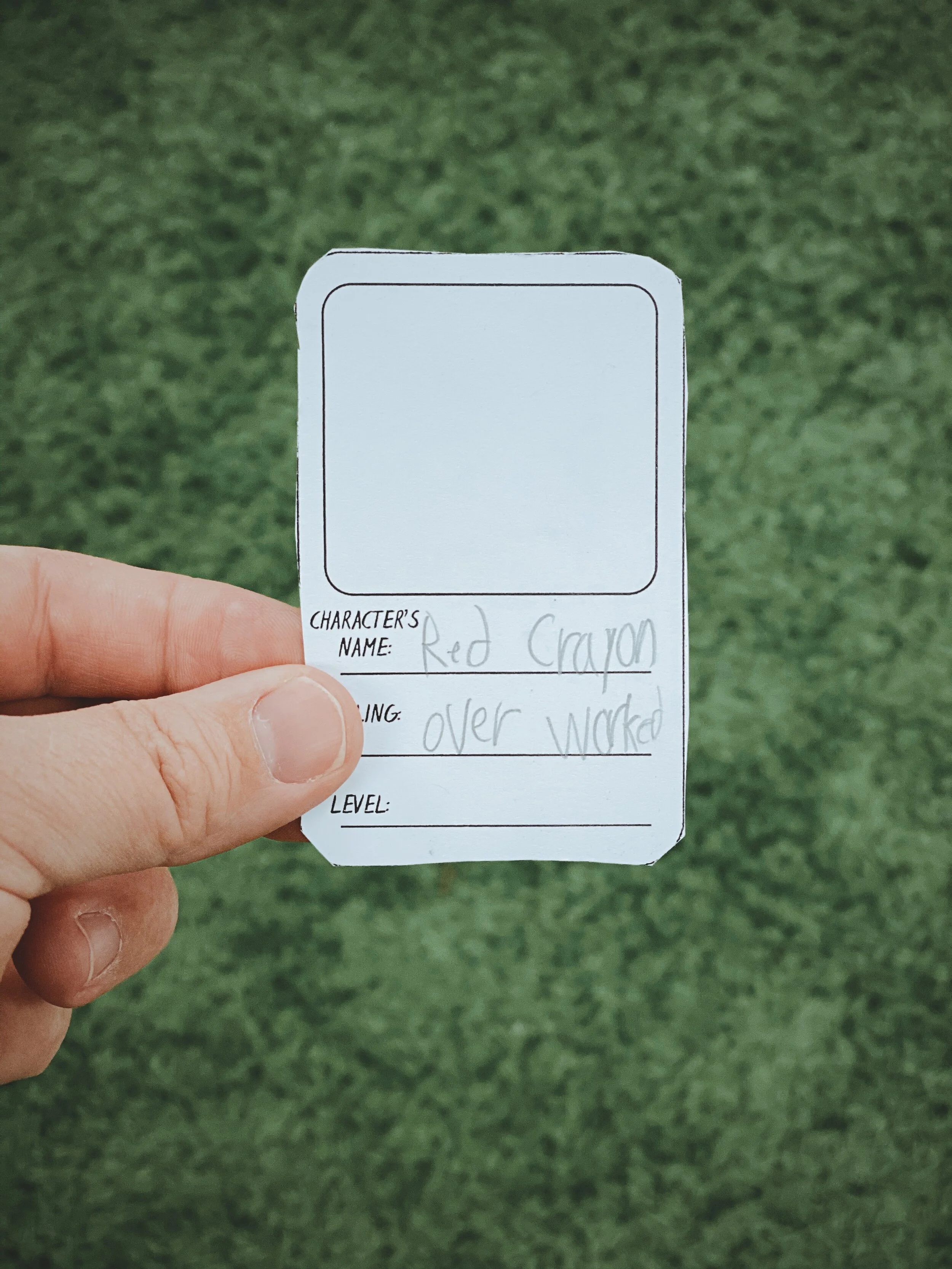
After reading, we moved on to describing the characters. We did this by using a Bubble Map, which includes only adjectives. We revisited each character, creating a trading card for each.

Next, we used the app Chatterpix Kids to “animate” the illustrations, which later became the AR videos. Chatterpix Kids is a primary friendly (but fun for all ages) app that allows you to draw a mouth over a still image, and give it the appearance that it is talking. We repeated this process for each of the characters.
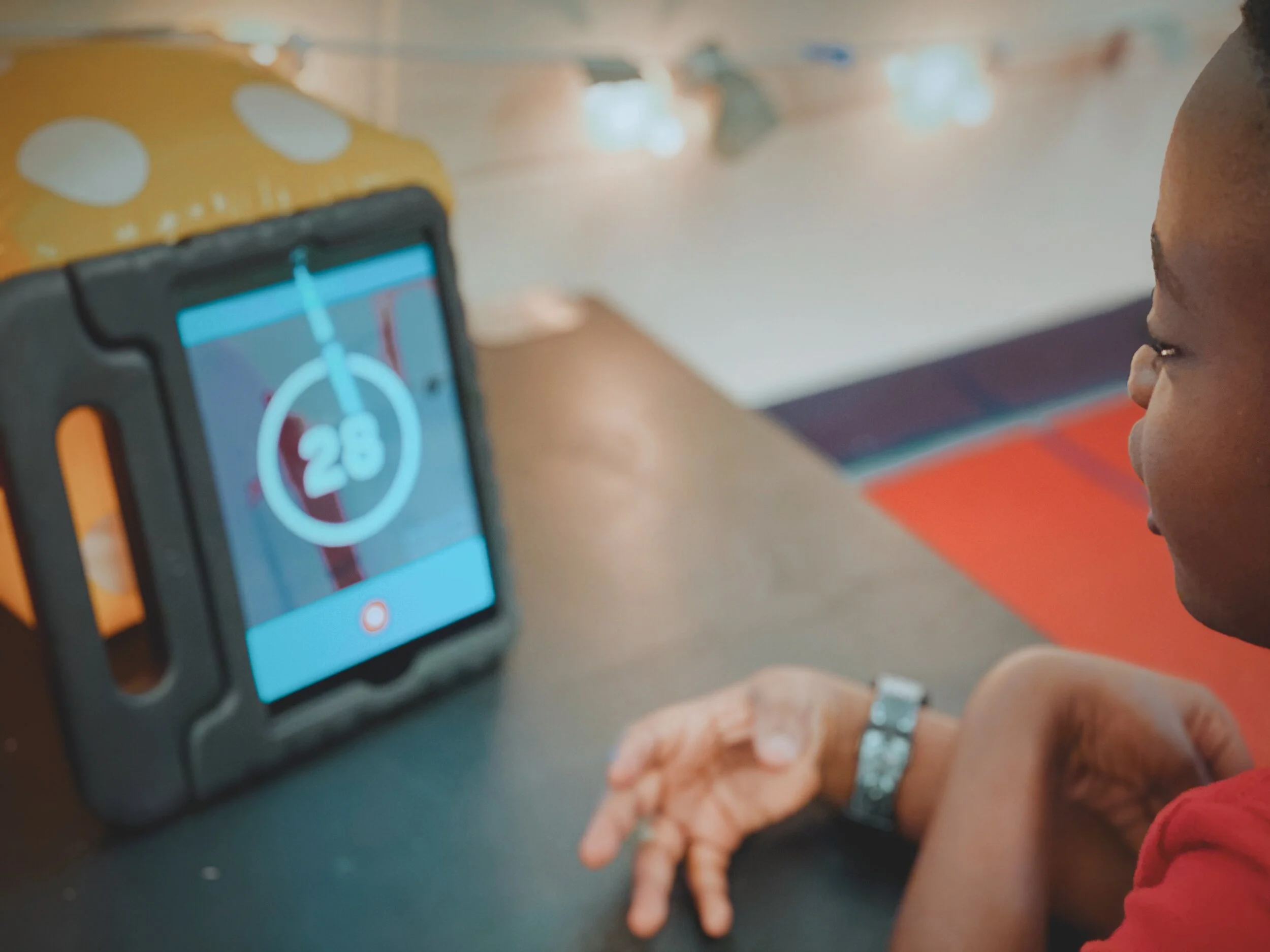
After we recorded on Chatterpix, we exported the files and saved them to the device’s camera roll. From there, we “app smashed,” or uploaded, the videos into Flipgrid. Each student submitted an initial response, but then they responded to themselves. Once completed, we printed out each video response’s QR code. This code was then glued to the trading cards. When scanned with the Flipgrid QR code reader, it will open in AR!
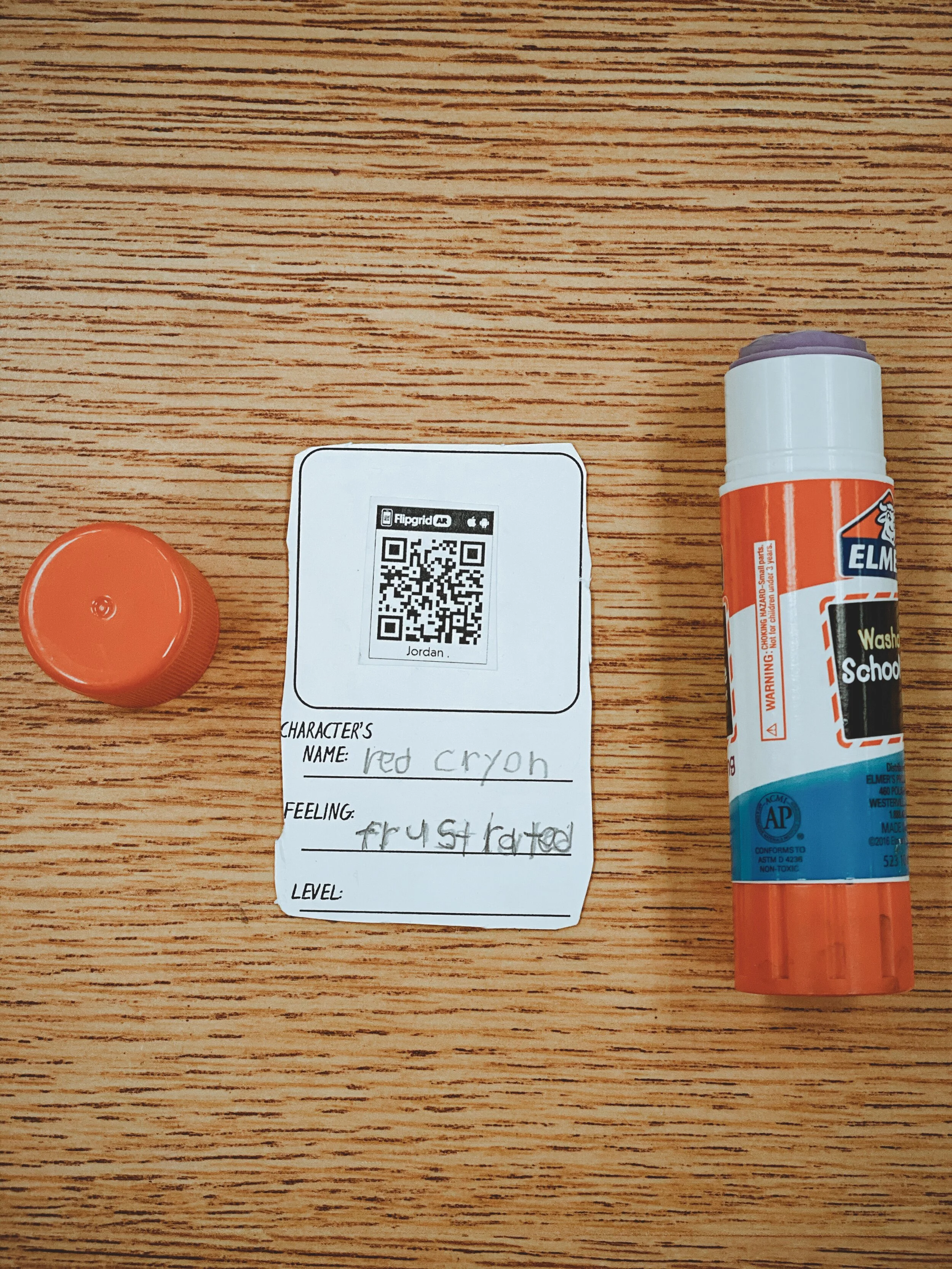
I also gave the students the opportunity to illustrate the back of the cards. As an added bonus, I had the students “level” the characters based on how much they thought the crayons effected Dunkin’s thinking. We’ve been working with tens and ones in math recently, so this fit right in! Each student “leveled” the characters on a scale from 10-100, with a 100 being the character that has the biggest impact. Once the activity was completed, we added up the total of the lvels for a grand total. Check out the entire video tutorial below!
Interested in trying this out in your classroom?
Here’s all the resources you need:
The Day the Crayons Quit book
Novel Effect app
Trading Card Template
Chatterpix Kids app
Flipgrid app
Be sure to tag us on social media! We’d love to see how you’re using this in your classroom!
For more #interACTIVE lesson ideas using Flipgrid, check out our book The InterACTIVE Class on Amazon!

