


InterACTIVE Activities for Mae Among the Stars
“Mae Among the Stars” is a beautiful picture book for sharing and marking special occasions such as graduation, inspired by the life of the first African American woman to travel in space, Mae Jemison. It has quickly become a “must read” in many elementary classrooms - including our own! So, here are some ways we are using it!

“Mae Among the Stars” is a beautiful picture book for sharing and marking special occasions such as graduation, inspired by the life of the first African American woman to travel in space, Mae Jemison. It has quickly become a “must read” in many elementary classrooms - including our own! So, here are some ways we are using it!
In this blog post you’ll learn:
(click on any subheading to jump to that section)

Where to buy
Mae Among the Stars
You can find Mae Among the Stars at your favorite book store. If you need it in a hurry, Amazon is always an option. You can find it by clicking on the image below!

InterACTIVE apps to use with Mae Among the Stars, and Mae Jemison
Here are some of our favorite apps to use when reading about Mae Jemison and Mae Among the Stars!


Novel Effect:
Bring Read Alouds
to Life!
Novel Effect is an app that you use while reading your books. Read aloud with your favorite print books and the app follows along playing music, sound effects, and character voices at just the right moment. You can find lots of different titles, including Mae Among the Stars! There's a free version and a paid version of the app, which you can check out below!
You can download Novel Effect for iOS here and for Android here.
You can find the book, Mae Among the Stars on Novel Effect by clicking here!

Learn More About
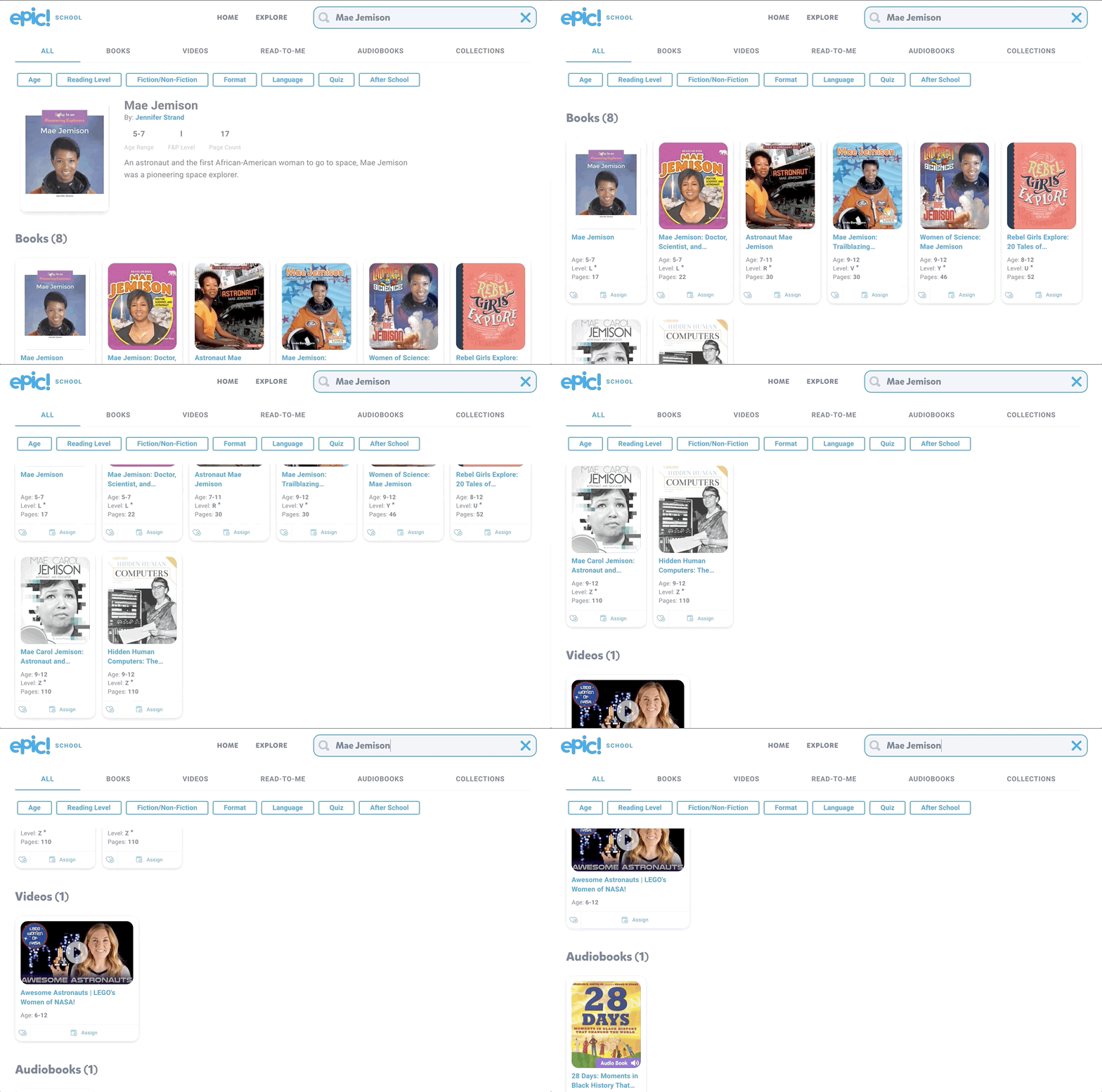
Mae Jemison with the Epic Reading App!
You can find lots of additional resources to tie into Mae Among the Stars by logging onto Epic! Epic is a the Netflix of kids books. The best part of all - it’s FREE for educators! Teachers can easily create a class and differentiate their instruction by assigning different books to different students, all with just a few clicks! Epic is available on all platforms and devices!
Check out the Epic website by clicking here!



Explore the solar system with a Merge Cube
Merge Cubes are a simple and easy way to bring augmented reality into your classroom. If you’re looking to tie the solar system into Mae Among the Stars, you can do so with Merge’s Galactic Explorer. Just scan a merge cube with the Galactic Explorer app to launch the experience. Students can explore the solar system as a whole, or dive into one of the planets!
Merge Cubes can be purchased or educators can print out a paper version to share with their students. Check out the paper template below!

Purchase a Merge Cube by clicking here
Download a paper template of a Merge Cube by clicking here
Learn more about Merge Cube apps by clicking here

Become an Astronaut in Flipgrid
Depending on the standard and your learning goal, you may want your students to retell the story or point out important details. There is no better way to do this than with Flipgrid! To make it even more engaging, have your students use our Astronaut frame to become an astronaut!
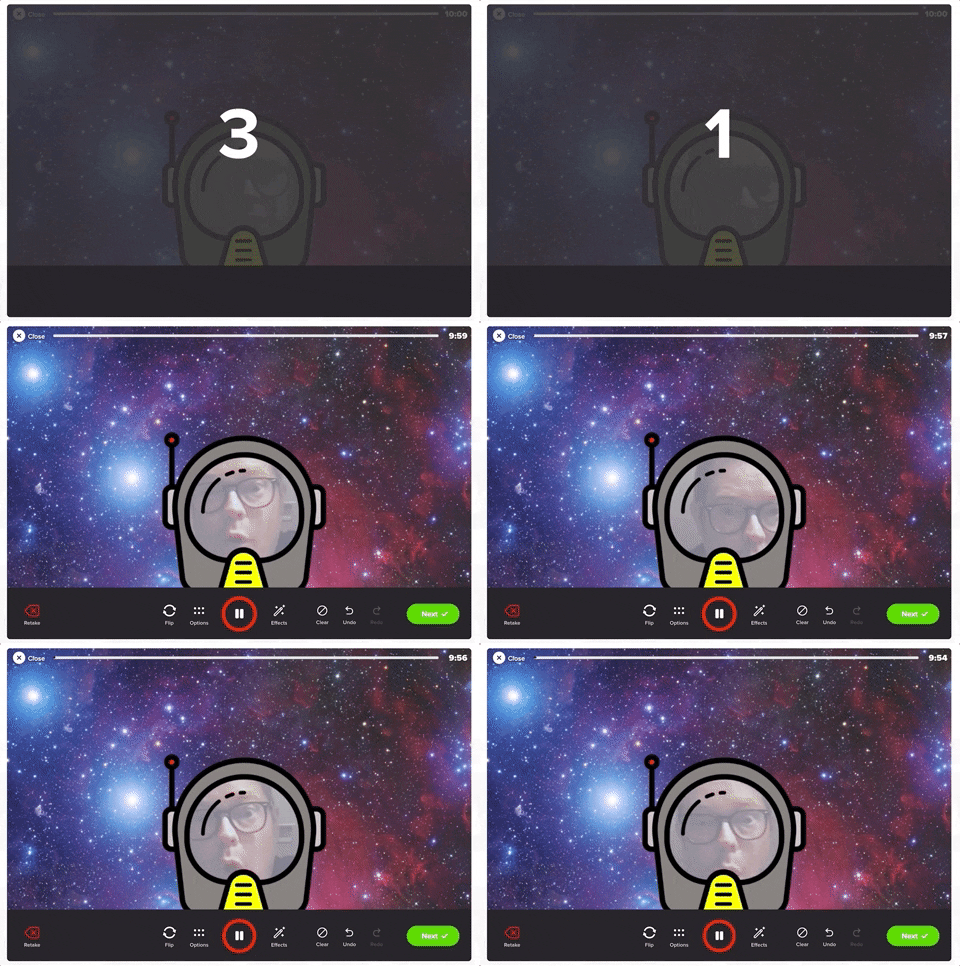

You can download the Astronaut frame by clicking the image below or here
(please note: this frame will not work on mobile devices)


Explore the Solar System, Compare Planets and more!
Take a tour of space to learn more about the planets with Tinybop’s iOS app, Space ($2.99). In Space, students travel into space and visit tiny Mercury, fierce Venus, friendly Earth, dusty Mars, stormy Jupiter, elegant Saturn, hazy Uranus, and mysterious Neptune. Students can study each planet’s characteristics, throw meteorites at each planet to test their atmospheres and gravity, see how big and massive each planet and the sun are by comparing them side-by-side and much more.
Check out an example below and click here to download (iOS only - $2.99).

InterACTIVE Activities and Ideas to Use with Mae Among the Stars and the Planets
Here are some interACTIVE activities that go along with Mae Among the Stars:
Fiction or Non-fiction?
After reading Mae Among the Stars, use Flipgrid to have your students answer the question of, “Do you think this story is fiction or non-fiction?Inquiry / Critical Thinking Ideas
Have your students answer the following question on Flipgrid: “Why do you think Mae’s dream seemed impossible? What would you have done if you were in her shoes?”Paired Texts (Day #1)
Select this National Geographic magazine from Epic, and read it with the entire class (whole group). After reading, have your students answer the following question on Flipgrid: After reading together, what questions do you still have about the planets? (they ask one question per video, asking as many as they can). Be sure to have them add a searchable hashtag to their video response (see image below)

Paired Texts (Day #2)
The next day, download and assign this Epic collection to your students. Have them go back the the previous days Flipgrid topic and have them look for answers to their friends questions by using the books from the Epic collection. Once students have found the answers to their friends questions, they can leave them a video comment. Encourage your students to use specifics in their video comments back to their friends. For example: “I read on page 22 that Saturn is the sixth planet from the sun.”Planet Research
Have your students research all of the planets (you can find a collection of all the planets on Epic by clicking here). Then, have your students create a Flipgrid video where they travel to several planets, listing 3-5 facts about each. Bonus: Have them use our astronaut frame above or the Board, Sticker, and Ink feature built into the Flipgrid camera to personalize their video.Learn more about the solar system with this 3D model website from NASA! Zoom in and out, visit planets and even hop on a comet! Check out the site below or click here to visit the website.
Star Constellations in Flipgrid
Have your students create a constellation using the board and sticker features in Flipgrid. Once they have their design created, have them use the ink tool to connect the stars!

-- Stay tuned for more on how you can use Mae Among the Stars into your classroom! 👓👗
For more tips, tricks and lesson ideas for making learning more interACTIVE, check out our books The InterACTIVE Class and Flipgrid in the InterACTIVE Class on Amazon!


Social and Emotional Learning with Distance Learning
We’re busy. Things have been hectic for us all, and it seems almost impossible to just stop and think for a second. Our mental health is just as important as our physical health throughout a pandemic. It’s easy to keep our kids indoors, but let’s not forget the about their mental health.
Social Emotional Learning (SEL) App
Me (by Tinybop)
We’re busy. Things have been hectic for us all, and it seems almost impossible to just stop and think for a second. Our mental health is just as important as our physical health throughout a pandemic. It’s easy to keep our kids indoors, but let’s not forget the about their mental health. They probably have questions that they’re not asking. They may not want to talk about them, but we need to provide an outlet for them. Me, from Tinybop, is an app that does just that.


$2.99 (iOS only)
Click here or the image to download

What is the Me App?
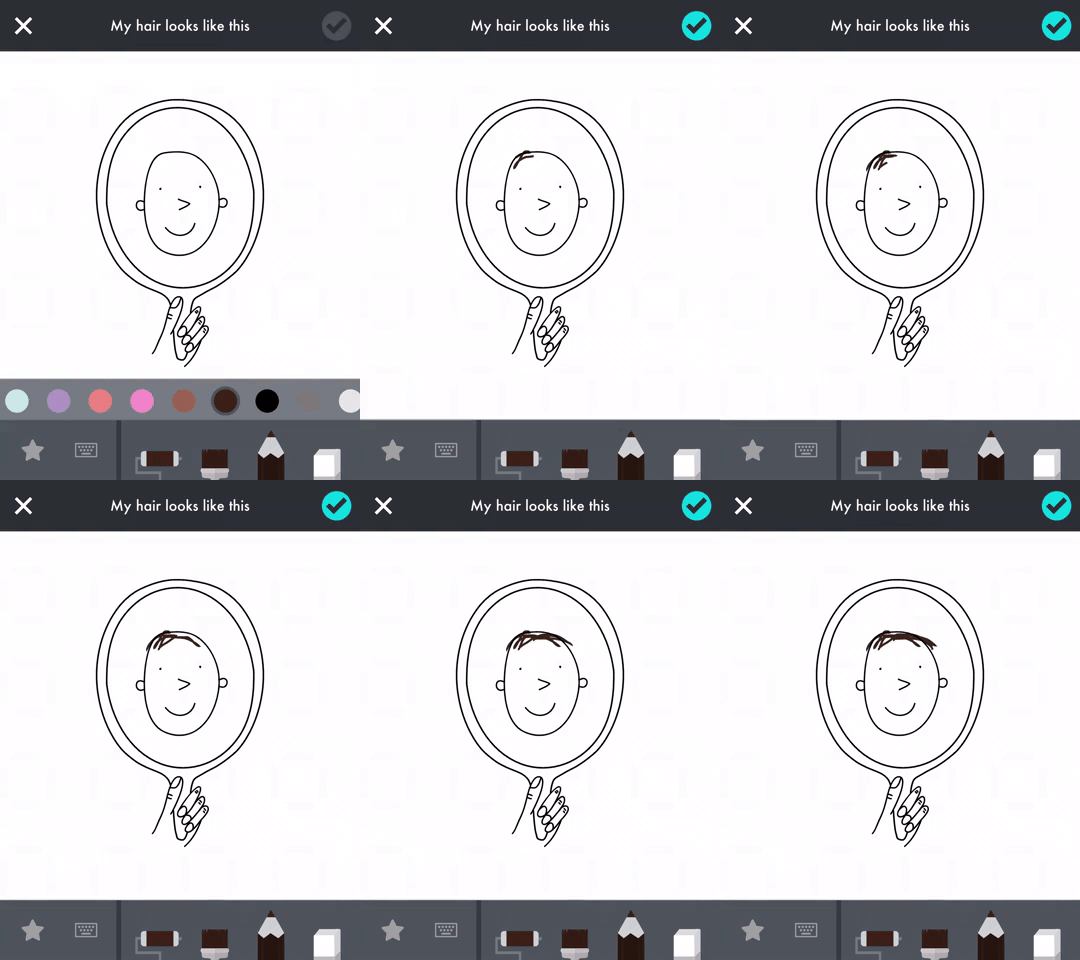
“Me” allows kids to tell their own story. Think of it like a digital diary - but with lots of fun features. It gives kids hundreds of fun, inspiring prompts to help them learn more about themselves and the people around them.
In drawings, words, animations, recordings, and photos, kids can document their worlds: their families, friends, pets, feelings, likes, dislikes, wishes, and dreams. As they play and create, kids build self-awareness, self-confidence, empathy, and kindness.
Check out some of the feedback from “Me.”
"An app that teaches my kids to empathize, include, and appreciate others, that’s screen time I can feel good about." — Cool Mom Tech
"We love not just the creativity the app inspires but also the memorable family discussions that can result. Very cool." — Parents Magazine


Can “littles” use it?
We introduced this app top our youngest son (6 years old), and he loves all of the different tasks. His favorite entry thus far was to take a picture of his family. So, rather than asking everyone to get together for a family portrait, he just decided to take a snap a shot of one of our framed pictures. 😂
He also enjoyed creating his own illustrations, recording different sounds, and making animated gifs from the prompts. The tools are easy enough for any age group to use. As an added bonus, he can save all of his “work” to the camera roll, and then share it back to us by airdropping it.
ARTWORK:
There’s a lot to love in “Me,” but the artwork is truly stunning and visually appealing for all ages. Ana Seixas, the artist behind the magic, and the developers at Tinybop have created a platform that is easy to use and understand.
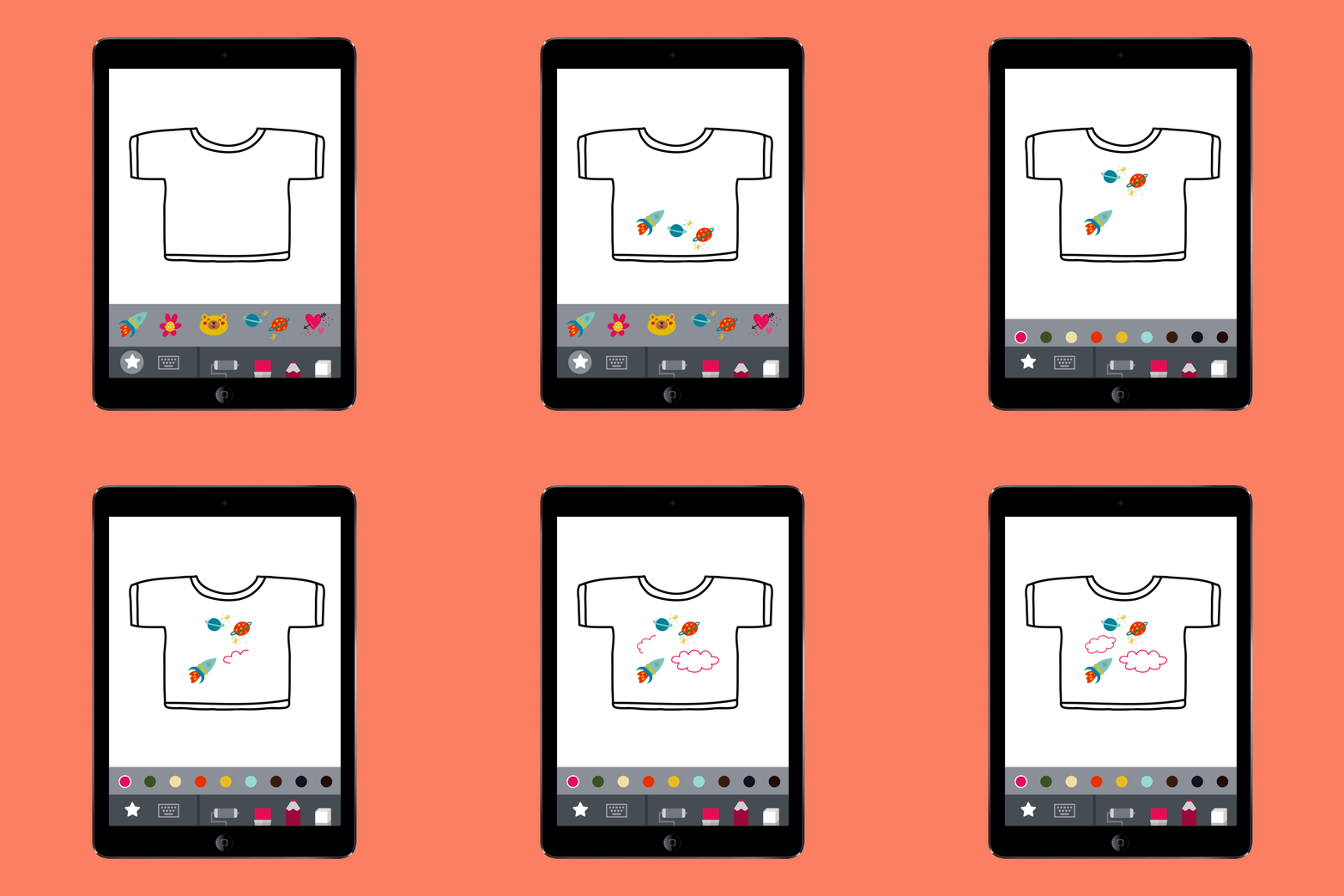
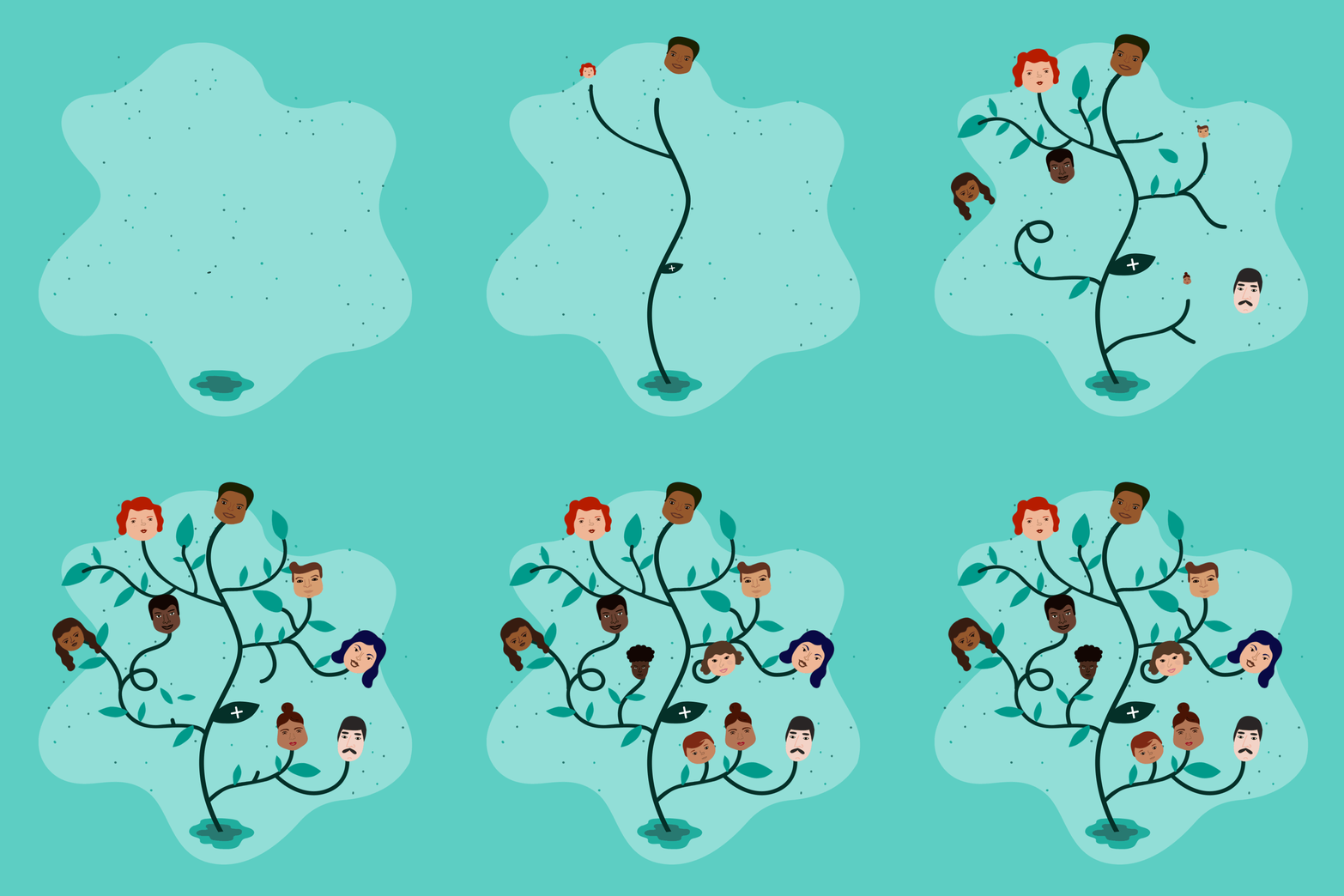
FEATURES:
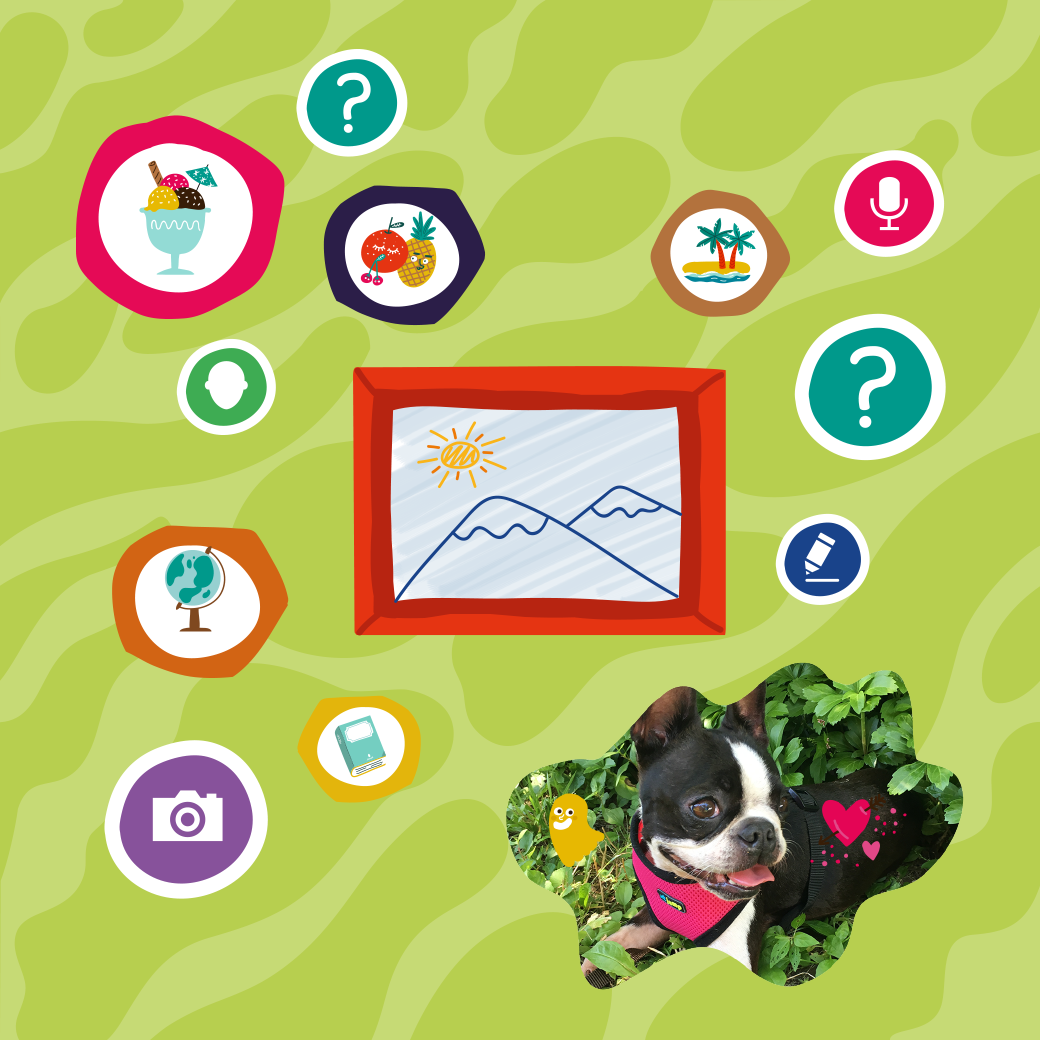
Create and accessorize avatars for yourself and all the people and pets in your life.
Your avatar responds to you, expressing emotions you can capture and share. Send an animated drawing to your friends or save it to your camera roll.
Ask and answer hundreds of questions about yourself and all the important people and places in your life.
Decorate your photos with fun stickers and words.
Create drawings with different pens, brushes, and colors.
Record stories and sounds.
Write on pictures and photos.
See your answers turn into animations and other surprises!
See everything you have created and recorded in one swipe.
Safe space for self-expression. Nothing is shared unless you choose to.
Original artwork by Ana Seixas.
Original sound design.
Open-ended activities with no rules. Curiosity and creativity are rewarded.
Multi-user system.
Fun for everyone: families can play and learn together!
To learn more about “Me,” check out the Tinybop website by clicking here.
To download “Me,” click on the image below!

For more information on how to make learning more engaging and relevant by using technology, check out our book The InterACTIVE Class.

