


Christmas Ideas and Activities for the Elementary Classroom!
@TheMerrillsEDU share Christmas ideas and activities for the Elementary Classroom! You’ll find: Something to Make 🎨, Something to Wear 👕, Something to Read 📚, and Something to Share 🙌🏻!

Boy, do we have something for YOU! 😲🫢
Your "P🎁R🎁E🎁S🎁E🎁N🎁T🎁S" is requested!
This holiday season, we've collected ideas of:
🎨Something you MAKE
👕Something you WEAR
📚Something to READ
🙌Something to SHARE
Check it out below, or click on a day to jump to that content!


“Trap” students inside their own designed snow globe with these pre-made templates! Click below to download our Adobe Express, Canva, Buncee or print template!


Joy to the wool 🎄! Challenge students or staff to design the ugliest holiday sweater! We’ve also included a template for an Ugly Stocking and Ugly Socks! Click the image below or right here to download all templates w/ instructions!

We’re KNOT kidding, this simple craft is perfect for the holiday season! All you need is a ring, string, and knowledge on how to tie a loop knot!


Will you catch an ELFie this year? Now, you can create a video of the elf on the shelf in YOUR OWN classroom! 👀 Click on the image below or right here to download our template with instructions!

Go where SNOWman has gone before! Pair our Adobe Express template with any of these snowman books. Then, have your students build their on snowman! Click the image below or right here to download the template!


You don’t need a Christmas tree to give a memory that families won’t FIRget! Try this Canva card template! Just download and then have your students change out the pictures with their own. This would be great as an individual student project, or as a class card! To grab the template, click the image below or right here!


Here’s a quick and easy class craft idea that your class is FIR sure to enjoy! These can hang BEANIEth any tree! All you need is a paper towel roll, yarn, and cotton balls! Follow our directions above!

Forgetting things around the Holidays? YULE be sorry! 😲 Foster responsibility with our reminder bracelets from Canva! Click the download button below to grab the template and print or edit for yourself!


Sleigh it ain’t so! Share this Adobe Express overlay sticker template with students for simple, personalized cards or holiday crafts! Click the image or right here to download it for yourself!

Roses are 🌹, Violets are blue 💙, David agrees 👍🏻, Worksheets are, “EW!” 👎🏻
Pick up our latest shirt design from our merch store by clicking on the image above or right here!


They say that Christmas is a time to “tree-t” yourself, so why not show off your interACTIVE spirit with some festive wear? Check out our store by clicking on the image below or right here!


Turn your holiday read alouds into a magical experience with Novel Effect! Learn more about Novel Effect by clicking the image above or right here!


Your students will open these gifts at a WRAPid pace! 🎁 Give the gift of a new book this season! This idea from TheGameGal.com has everyone starting with a wrapped book and each time the words left or right are read aloud in the poem, you pass your “present” along. When the poem ends, you get to unwrap your new book! Click on the image above, here, or below to download the poem!


Treat yo’elf to a magical read aloud activity with the book, “How to Catch an Elf!” Read along to the book on Novel Effect, then incorporate STEM into the holiday season with an elf trap building challenge! We’ve also included a persuassive letter template from the elf’s point of view - trying to convince the students to release him! You can grab the template by clicking on the image below, or right here!

How about a Holiday READth?! Click on any book in the image above to immediately “spruce” up your classroom!
Get Hanukkah off to a great STARCH with Oskar and the Eight Blessings! Read this special story on Novel Effect and then discuss / brainstorm gifts and acts on Microsoft Flip. Then, download & print our template where students can discuss blessings found in the story. Click on the image below or right here to download our template!


We BELIEVE that you will love this Polar Express activity! Start out ordering some small jingle bells by clicking here or the image below. When they arrive, place a fake return address on the package and then place them into the freezer. Let them sit in the freezer for as long as possible (even if it’s for a day or so). Pro tip: I like to have our office manager save them in her refrigerator, so that way she can hand deliver them to the class to make it look like the package is more authentic. She usually comes in and plays the part well - exclaiming that there has been a “special delivery for the class!”
After that, print and cut out tickets from our Polar Express Ticket Canva template, and our letter from “The Boss” (links below). Then, read the book with Novel Effect and watch the movie! Lastly, have the bells “delivered!” Be sure to explain to the person delivering the bells that they will need to do so quickly, as the bells will thaw quickly. But, if you are able to deliver them fast enough, the bells will be cold when you open the package! Download / purchase all necessary materials below!


The Holidays are a FONTastic time of the year! Check out some of our favorites and download them all for ⭐️FREE⭐️ by clicking on the image below or right here!


Time to SPRUCE things up with a new idea or two! 🎄 We’re inspired daily by the interACTIVE ideas from across the world. So, we decided to curate them and share them with you! To view the entire collection, click on the image below or right here!

Encourage your students to see the “bigger picture” with our interACTIVE posters! Just download, print, and hang! Click the image below or right here to download!


Oh, DEER! 🦌 Your students will love this ⚡️LIVE⚡️ reindeer cam! Just click on the image below or right here to access the website!

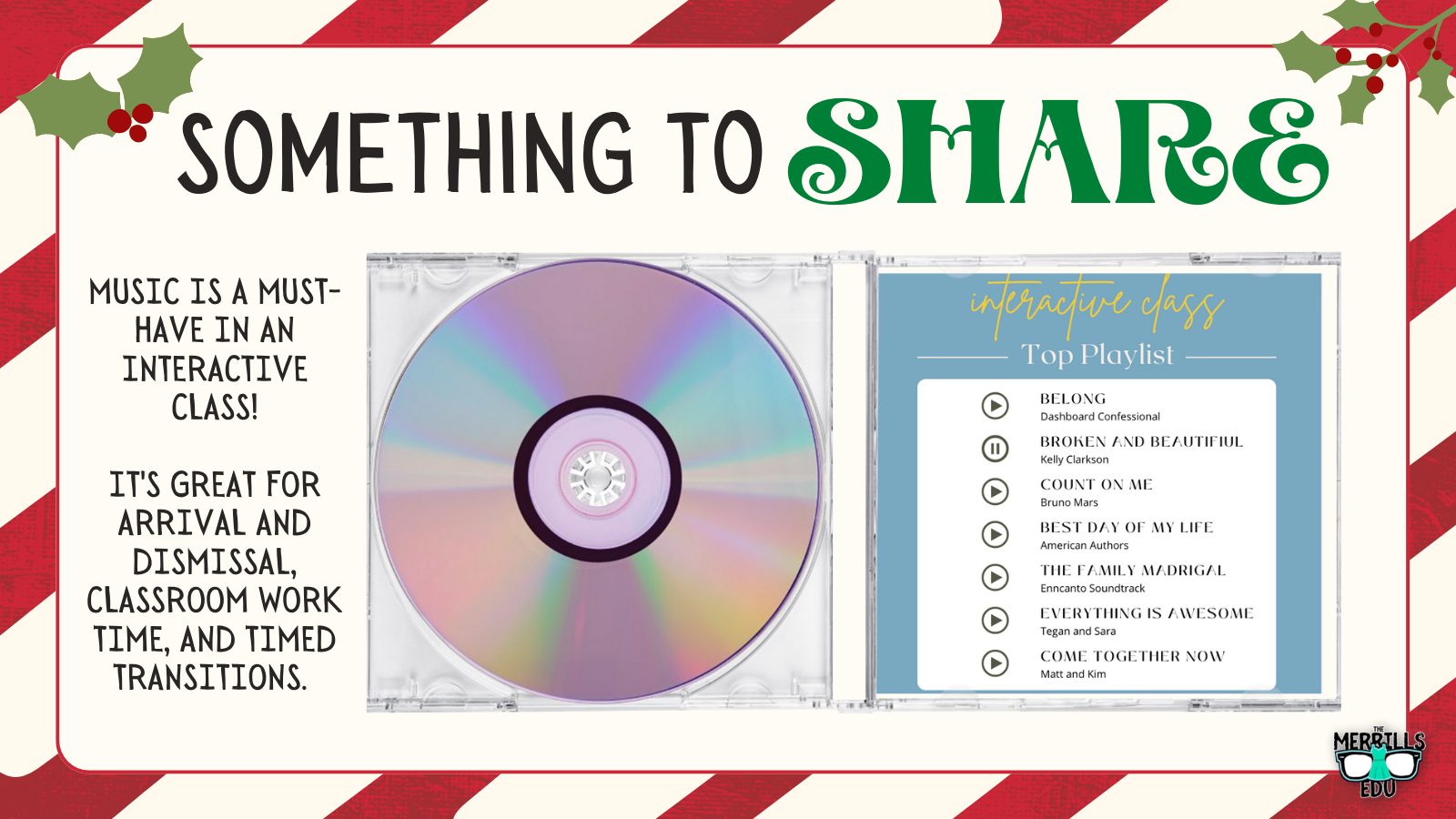
These year-round tunes will have the sugar plums dancing in your head! These hits aren’t just for the Holidays, so keep them jamming all year long! These are available on Apple Music or Spotify - you choice! Click on the image you prefer below!


Gifts are meant to be shaken like a pole-aroid picture! Use these tags to keep track of whose is whose. We’ve got several different designs for you. Which one will you choose? Click the image below or right here to download! 🤶

-- Please follow us on social media and tag us with how you’re using these Christmas Ideas and Activities in your classroom! 👓👗
For more tips, tricks and lesson ideas for making learning more interACTIVE, check out our books The InterACTIVE Class and Flipgrid in the InterACTIVE Class on Amazon!


12 Days of Reading
The weeks after Thanksgiving that lead up to Christmas are always the hardest for teachers. Students are out of the normal routine after the extended fall break and are now excited and eager for Christmas to follow in the weeks to come. It can be hard to keep students focused and get all the planned curriculum and lessons in efficiently.

The weeks after Thanksgiving that lead up to Christmas are always the hardest for teachers. Students are out of the normal routine after the extended fall break and are now excited and eager for Christmas to follow in the weeks to come. It can be hard to keep students focused and get all the planned curriculum and lessons in efficiently.
In our own classrooms we do not overtly promote Christmas, although it is the holiday we personally celebrate in our own homes. We do not have elves that visit, or trees lit up all month long. There is not enough time in the month to adequately cover all the different holidays equitably, and it can be dicey trying to determine the personal beliefs and religions of each and every individual student. But nevertheless, Christmas is always the predominant holiday students anticipate, and that excitement spills over with each new day that nears.
As educators we know that student excitement is the key to engagement, and that when students are engaged they are more likely to try new things or stick with hard tasks. Using this excitement and incorporating it into the normal and routine academic activities is an easy way to keep learning alive throughout the holiday season. Thus the 12 Days of Reading was created with one simple goal in mind—keep reading lessons exciting while balancing all that comes along with the holiday sprit. The name is a spin off of the well-known song “12 Days of Christmas” and it is meant to compliment the reading already being done each day. Whether this is reading that must be done from a textbook, or independent reading that students have free choice over.
Day 1- Graffiti Wall

For this activity, students create a word splash to illustrate the book or selection of text they are reading. The words can summarize an event, convey an emotion, describe a character or person, etc. Students can either doodle, draw or sketch these words and phrases on paper or create their painted wall digitally on Flipgrid. If working to create on Flipgrid, you can grab the digital activity and brick wall images right from the Discovery library.
Day 2- Social Media Post

Taking on the persona of someone else and creating a social media page is a fun way for students to summarize, story tell, and take on a different perspective. Teachers can be creative with what students create profiles for—famous historical people, book characters, an inanimate object or even something outside of the box like an element from the periodic table!
The following templates are some of our favorites that we have found over time created by fellow designers, educators and colleagues.
Pinterest Template Created by TEachingTechnix

YouTube Template created by Paula Martinez

Netflix Created by Nick LaFave

Facebook by Ryan O’Donnell

Instagram by TechingTechNix

Twitter by TeachingTechNix

Day 3- Comic Cartoon

Creating Comics are a fun way to review plot, practice summarization and practice matching visuals with text in a story. If working in person, have students draw out a specific part or memorable event in the story, or have students work digitally through Book Creator. Students can either collaborate together in one book, or each create their own comic independently.
Day 4- Lego Character

Some of the most engaging lessons for students aren’t because they are elaborate or even because they use technology, but often because they are targeted around the students’ interests. Legos are a classic toy that students often related to so why not incorporate them into a reading lesson? Have students take the basic blank lego character outline and then design an outfit fitting for the person they are describing. This again could be a person from a book, a famous historical person or maybe to represent the main idea of a selection of text read. Students can decorate on paper with basic art supplies, or you can take the image and embed it into other programs like PowerPoint, Adobe Post and many other to design digitally. When finished, regardless of how they design, students can always share their work on Flipgrid.
Day 5- Draw a Scene

Illustrating a scene is a simple, yet powerful way for students to show what they comprehend while reading. By giving them the freedom to draw, they can then structure their drawing into what they envision. A great platform to take this idea and turn it digital is Buncee. Students can create slides representing different scenes in their books, add in characters, background settings, live animations and more!
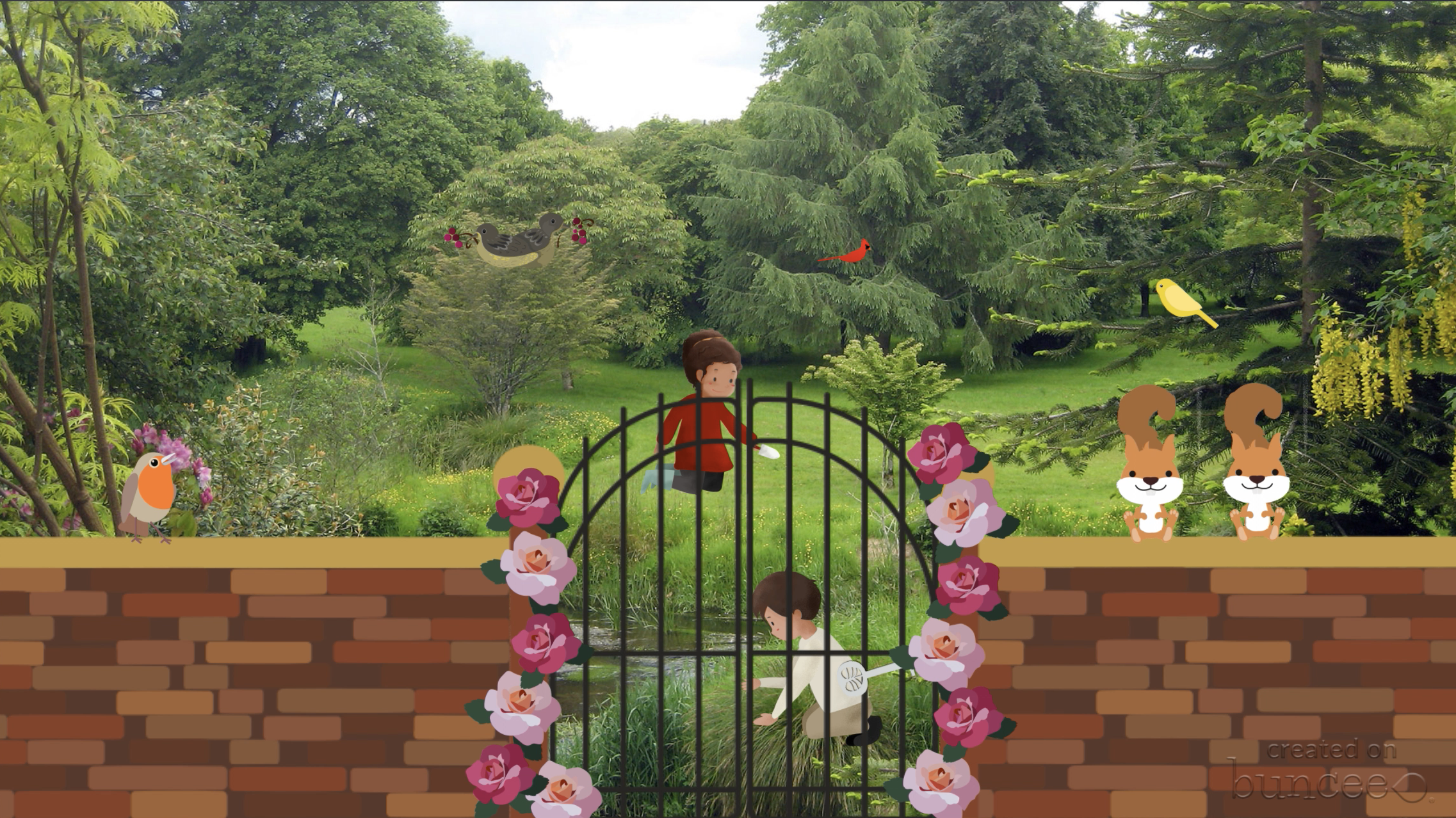
The garden from the well known novel The Secret Garden brought to life in Buncee!
Day 7- Alpha Boxes

This activity is a great way to get students talking about text while brainstorming words associated with a story or article. Each box is filled with a word, emoji or picture that starts with the letter and explains some part, feeling, characteristic, etc. of the story. Level up this activity by creating a book on Book Creator for students to collaborate on. They could all share their various words and images together in the same place and create one giant, collaged page for each letter.

Grab the template to use today!
Day 8- Character Award

This activity is fun and lets students be creative with how they would describe the main person or character from their reading. After brainstorming a list of character traits, they then can infer what type of award their main character would most likely received. These awards can be realistic—for example, one might be awarded “most courageous” for fighting peer pressure, another awarded “wisest” for the guidance given to another character—or they can be silly, creative and made up.

Grab the template to use!
Day 9- Dream Vacation
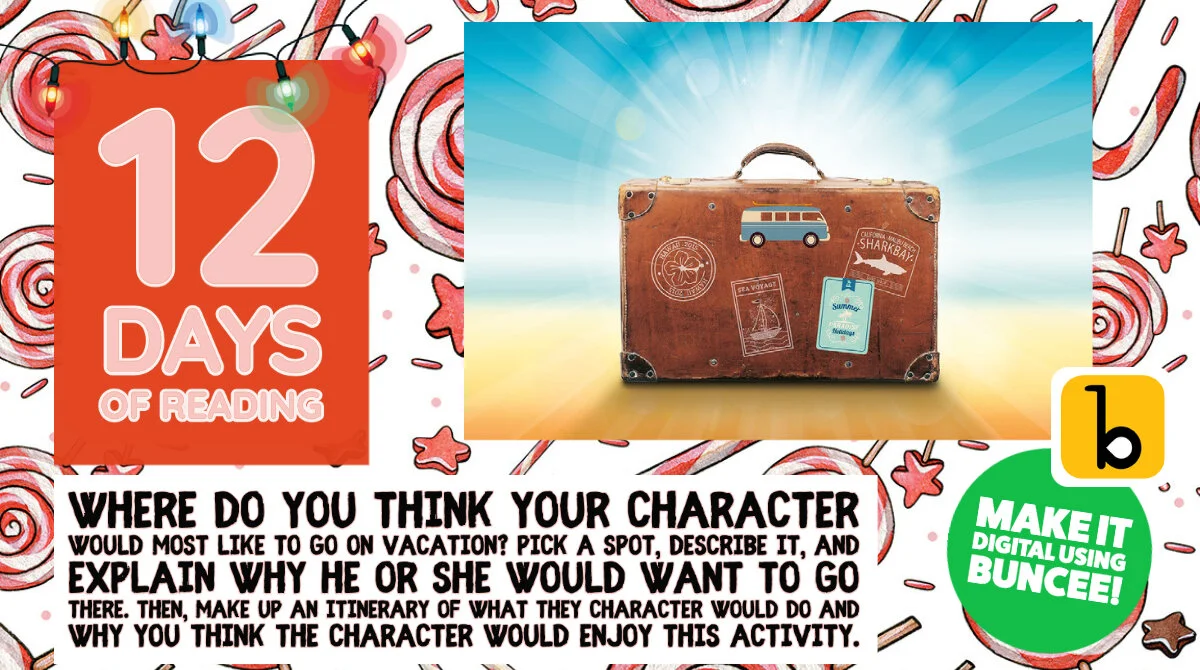
It’s five o’clock somewhere, right? Everyone can relate to the idea of getting away and going on vacation, but the destination is where opinions may vary. With this activity, students take on the persona of a person in their reading and plan a dream vacation based on the interests, likes and personality of that person. They pick a spot, describe it, and explain why he or she would want to go there. Depending on the amount of time you have and the age of the learners, you could even take it a step further and have them make up an itinerary of what they would do and when based on the length of the vacation.
Level Up: This would be fun to use Buncee to create. Students would not only create their itinerary of where to go while on vacation, but also illustrate it using animations, photographs sticker and much more!
Day 10- Letter to Santa

Write a letter from the point of view of one character explaining what they want for Christmas. This is a great review for our digital learners and gives them a chance to practice formal writing other than a text, tweet or tok.

Level Up: Infuse some math into this lesson by giving students time to browse through store circular ads and calculate the total amount it would cost to buy all the items on their list.
Day 11- Character Scrapbook
Image your character were to journal or keep track of important events and memories from their life in a scrapbook. Have students create and design the scrapbook using programs like Buncee and have them share their project link with classmates using Flipgrid, Wakelet or Seesaw.

Download this template to get students started!
Level Up: Instead of creating a scrapbook, have students use Adobe Spark Video to create a video or “home movie” of the character’s memories.
Day 12- Adobe Creative Bundle!
Adobe has curated the most amazing activities for teachers to use over the holiday season and we were honored to help create some of the templates for teachers! Check out the many awesome ideas here!
Check back in tomorrow for the last new reading activity!

Holiday Wishes with Wakelet
Sharing your holiday wish list just got a whole lot easier! Create a Wakelet collection and share it out with family and friends! You can even create a “Space” to curate lists shared with you. Check out the post to learn more!
The holiday season is one of magic, and this year especially we see many unrolling that magic earlier than normal. In addition to the lights and holiday music, many already have their personal decorations up and waiting for the special day. With all the confusion and craziness around, why not make one thing easier—holiday wish lists! With Wakelet, this fun tradition can be modernized and updated for the digital age.

Creating a wishlist is easy with Wakelet’s friendly platform. Simply log in, and begin by creating a new collections. Name it and add some fun holiday flare or the photo of the person it belongs to. (This is great if you are going to make several for various family members) Once you have the initial set up complete adding items to the wishlist can be done by hitting the green plus sign. Users can add links (great for things we fine while searching through social media) or add text and just write in and explain the gift ideas personally.

Tip: When adding links and other forms of media, try adding in specific information for the gift such as size, color. etc.

When finished, before clicking DONE and saving the list you will want to change it from PRIVATE to either UNLISTED or PUBLIC depending on how you are going to share it. If you are just sending the links to loved ones, then you could keep it unlisted and the list will only been seen by those who it was sent to. Public will make it viewable to everyone who comes across it.

If creating lists as a family, try taking each individual collection and putting them together in their own space. Follow these steps:
From the Wakelet educators dashboard, click on “+” sign

2. Add a Space name, then click the green Create button!

Using Wakelet for wishlists could be used in so many ways. Think small and create and share between your immediate family, or think larger by using for a school wide Secret Santa or for a fun way to shower a teacher with small gifts she handpicked herself.
And if you are one who loves the traditional hand written wishlist, any Wakelet collection can be downloaded as a PDF and printed as well!

Stay #interACTIVE!
-👗➕🕶️
For more tips, tricks and lesson ideas for making learning more interACTIVE, check out our book The InterACTIVE Class on Amazon!

